Application Description
A car head unit launcher for maps, navigation, media playback, contacts, and more.
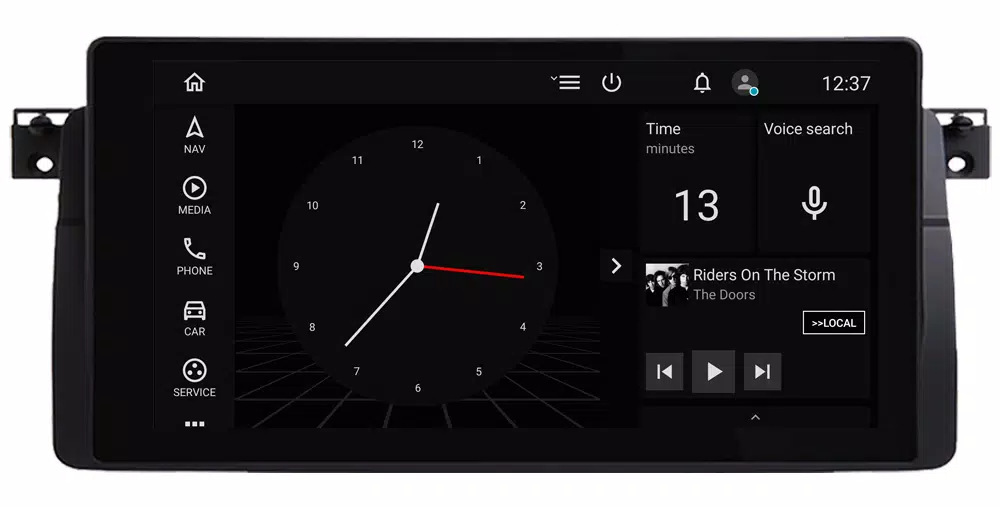
Have an Android car system? Car Penguin brings what matters for your journey to the surface. Set it as your default head unit launcher and enhance every drive. With a driver-centric interface, it provides quick access to maps & navigation, a music player, phone calls, contacts, and other essentials. Car Penguin supports multiple languages, themes, and bidirectional layouts.
Key Features
Customizable Dashboard
The dashboard is designed for rapid access to key features, with options to customize its layout and content.
Important: Every page in the app has its own options menu. Press the menu (hamburger) icon while on a page to view its settings.
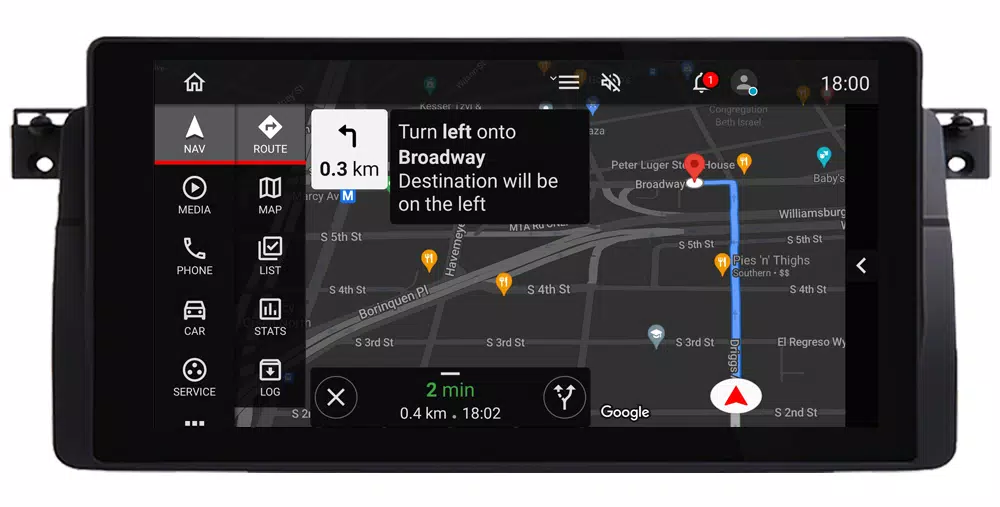
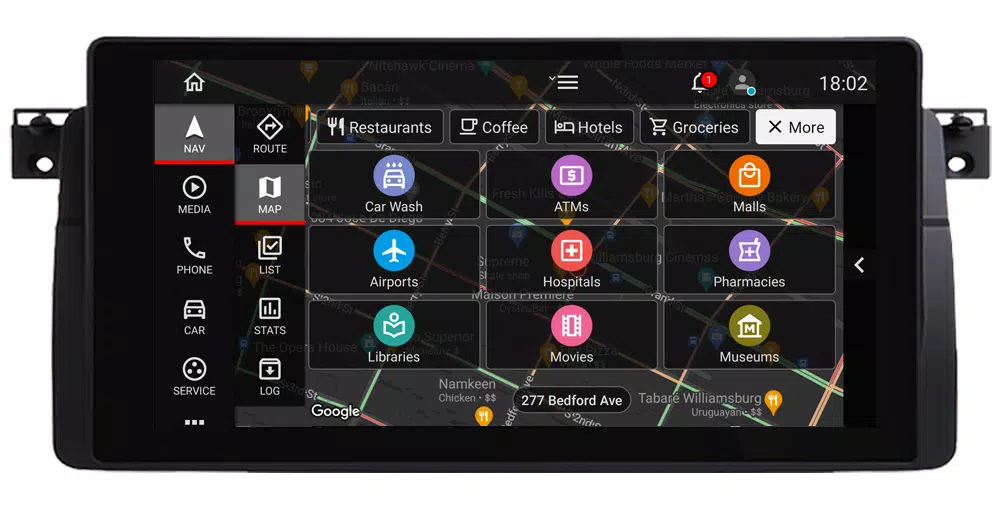
Maps, Places Search, POIs, and Turn-by-Turn Navigation
View your current location, address, and traffic on Google Maps, configurable with various themes and layouts. Search for places, save them to lists for easy navigation, and use Google APIs for directions and turn-by-turn guidance. Additional navigation tools include trip statistics and logs.
Music & Video Playback
Car Penguin includes a built-in media player for local audio and video files, with playback controls, album lists, and a page for app shortcuts. You can also add widgets from other media providers to the dashboard or toggle bar.
Smartphone Integration
Access contacts and favorites to dial directly using your system dialer or route calls via Bluetooth to your phone. For Bluetooth call transfer, call log sync, and SMS features, install the free Car Penguin Server app on your phone (available at http://carpenguin.com).
Additional features include:
- Custom Car Graphic/Photo and Device Info
- Weather Updates
- App Browser with Shortcuts
- Screen Saver
- Voice Recorder
- Speedometer
- Calendar View
- Speed-Based Volume Adjustment
- Notifications and Speed Alerts
Auto & Vehicles



 Download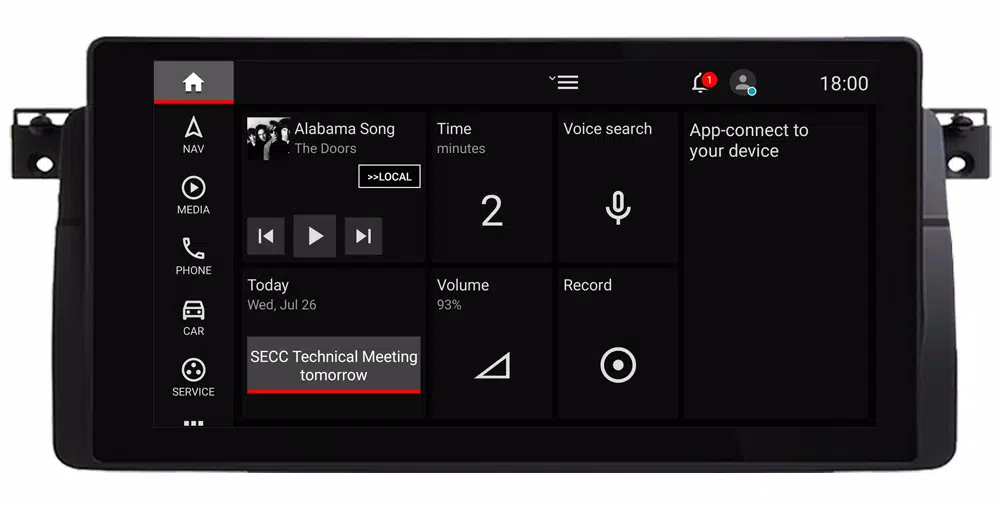
 Apps like Car Penguin