Descripción de la aplicación
Here's a clear and professional summary of the Soongsil University Library App (Version 3.0.2) based on your provided information:
📘 Soongsil University Library App – Version 3.0.2 (Updated: September 18, 2024)
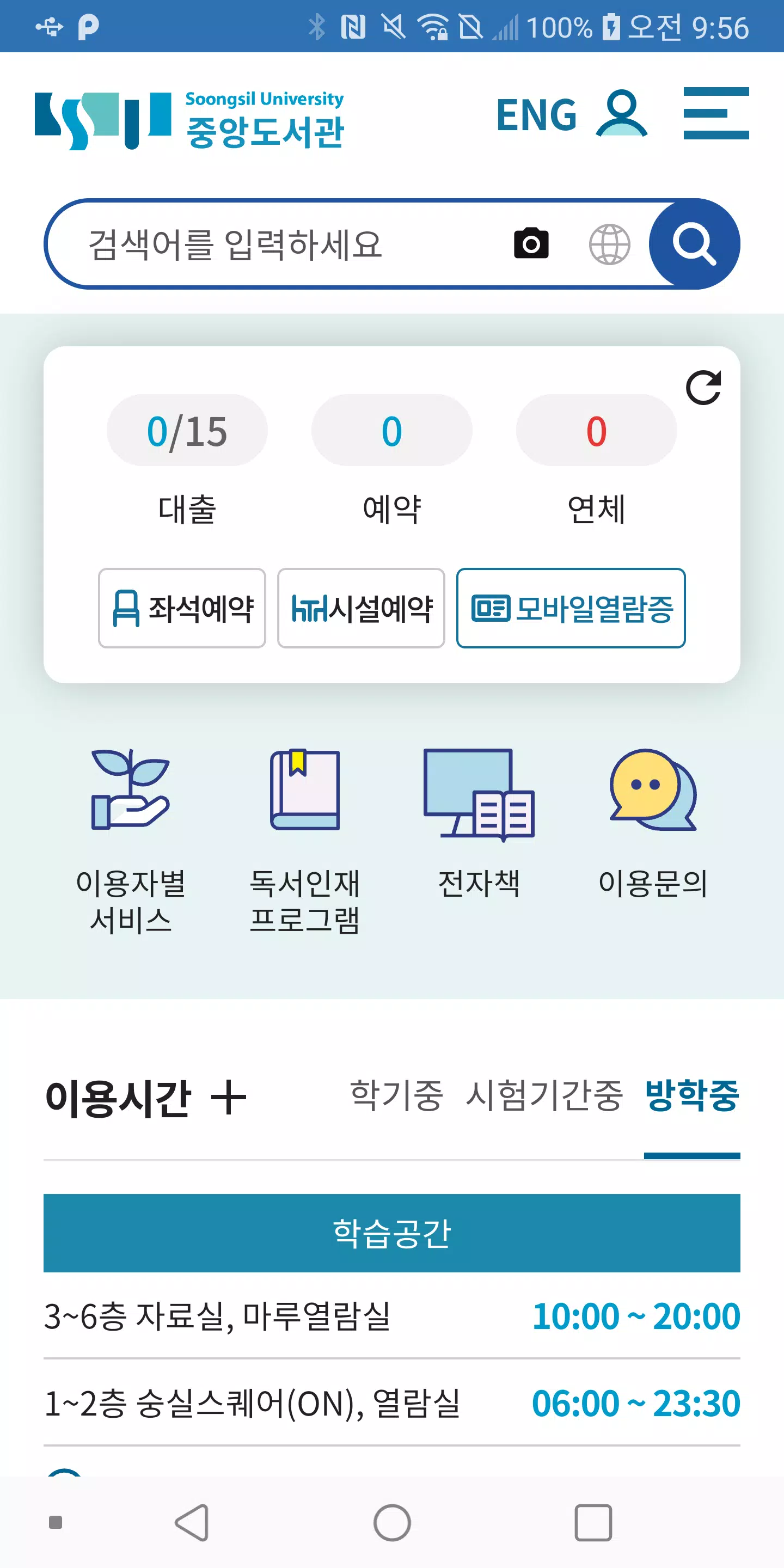
Stay connected with Soongsil University Library's digital services through this all-in-one mobile app. Designed for students, faculty, and staff, the app provides instant access to essential library resources and tools.
⚠️ Note: If the app displays a blank white screen, please uninstall and reinstall it to resolve the issue.
✅ Key Features
-
Book Search
Search the full collection of Soongsil University Library. View detailed catalog records, check availability, and reserve borrowed items instantly.
-
Library Notices
Stay informed with real-time updates on new services, policy changes, and important announcements.
-
Library Schedule
View official operating hours, including closures, holidays, and special event schedules.
-
Usage Guide
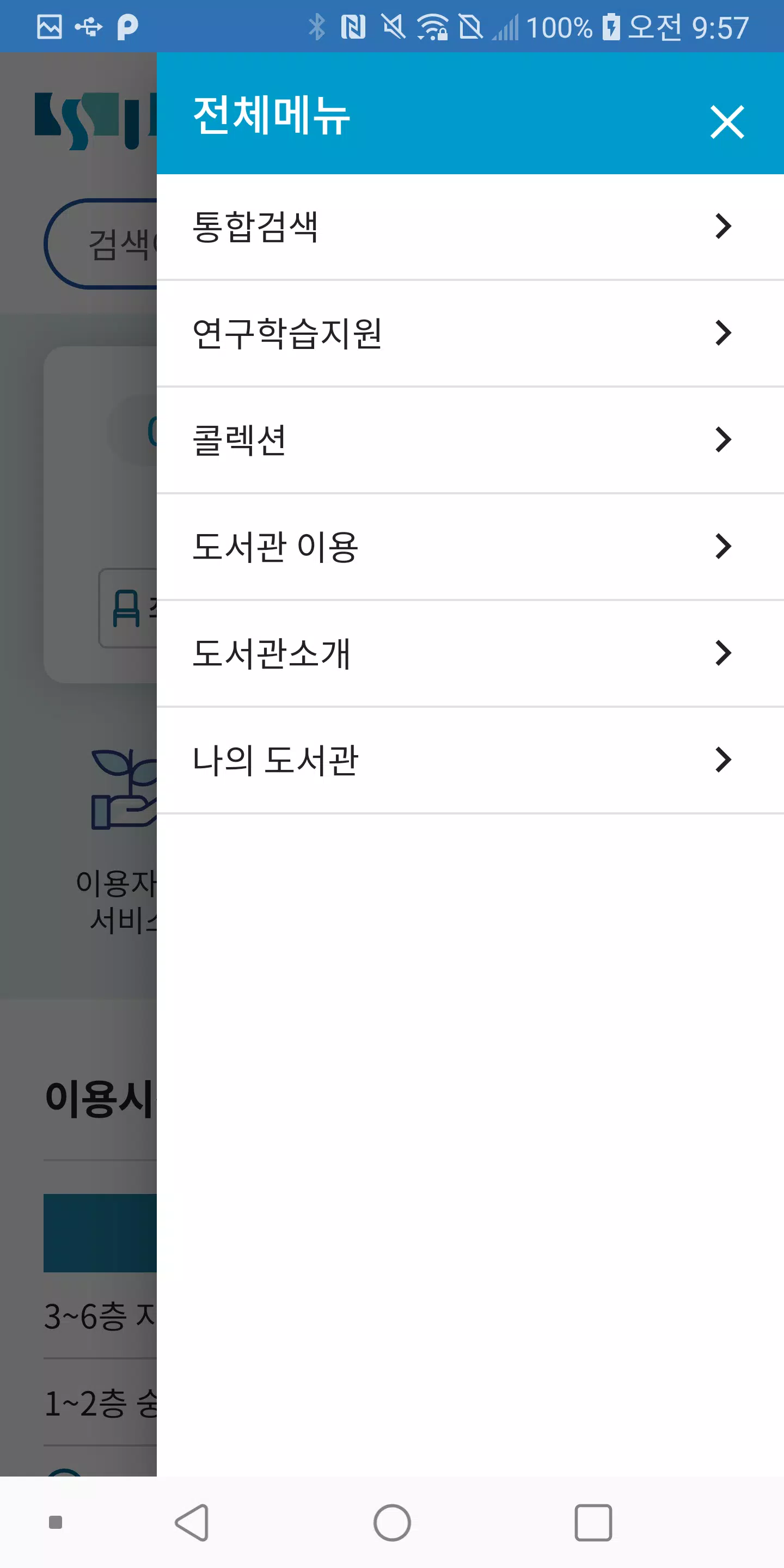
Access helpful resources on library policies, study etiquette, location maps, and how to make the most of library facilities.
-
Reading Room Reservation
Check real-time availability and book individual or group study spaces in designated reading rooms.
-
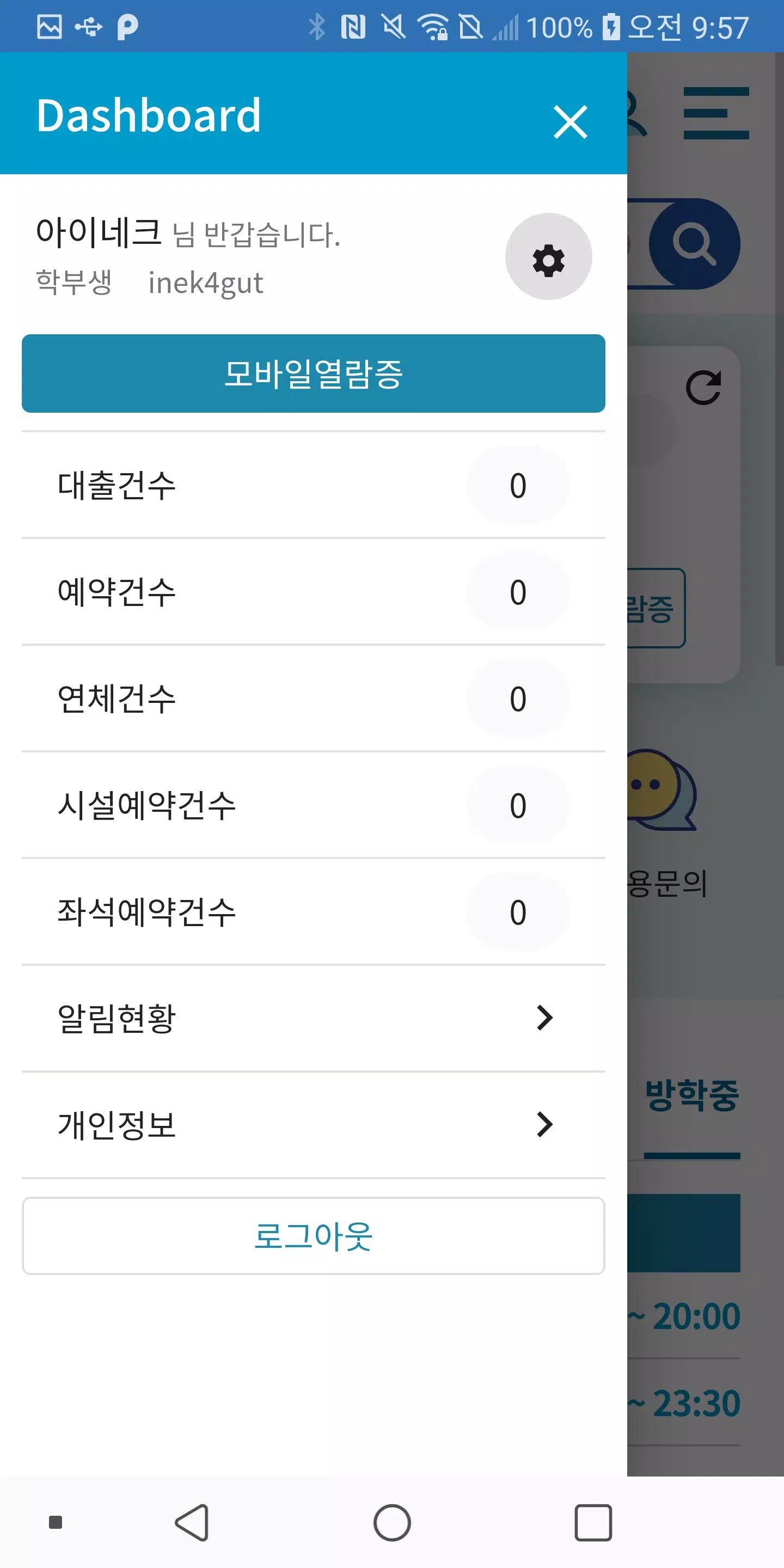
My Library
Manage your personal account:
- Track borrowed books and due dates
- Request loan extensions
- Suggest new book purchases
-
Media Room & Conference Space Availability
View and reserve media rooms and seminar spaces for academic and group activities.
-
Barcode & QR Code Scanner
Use ISBN barcodes to submit quick purchase requests. Scan QR codes to instantly open mobile pages and access digital resources.
📞 Developer Contact
For technical support or feedback:
📞 02-862-3900
📧 [Insert email if available]
🌐 [Insert official website or support portal if available]
🛠️ What’s New in Version 3.0.2
- ✅ Fixed main navigation back button bug
Improved user experience with smoother navigation throughout the app.
Download the Soongsil University Library App today and enjoy seamless, mobile-first access to everything your library has to offer!
Stay smart. Stay connected. Stay in the library.
Let me know if you'd like a version formatted for a website, app store description, or promotional flyer!
Bibliotecas y demostración


 Descargar
 Aplicaciones como 숭실대학교 도서관