Application Description
The official Jump manga creation app! Packed with exclusive insights from Jump's own authors!
■A totally free app for making authentic Weekly Shonen Jump manga and illustrations!
G-pens, Mapping Pens, Tones, and Backgrounds are all available at no cost!
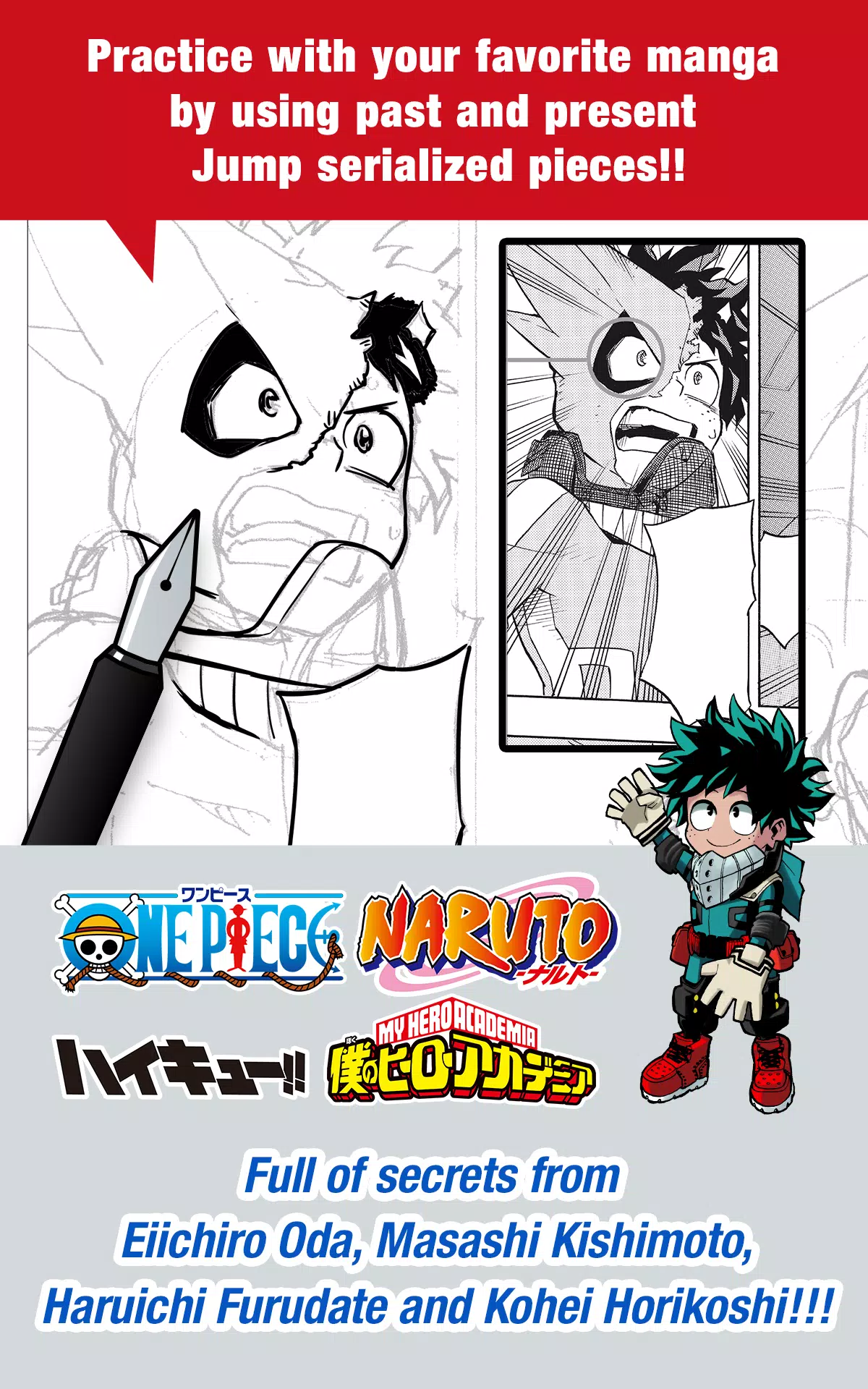
■Practice with both classic and current Jump series using your favorite manga!
Discover secrets from legendary and current Jump authors, including Eiichiro Oda (One Piece) and Kohei Horikoshi (My Hero Academia)!
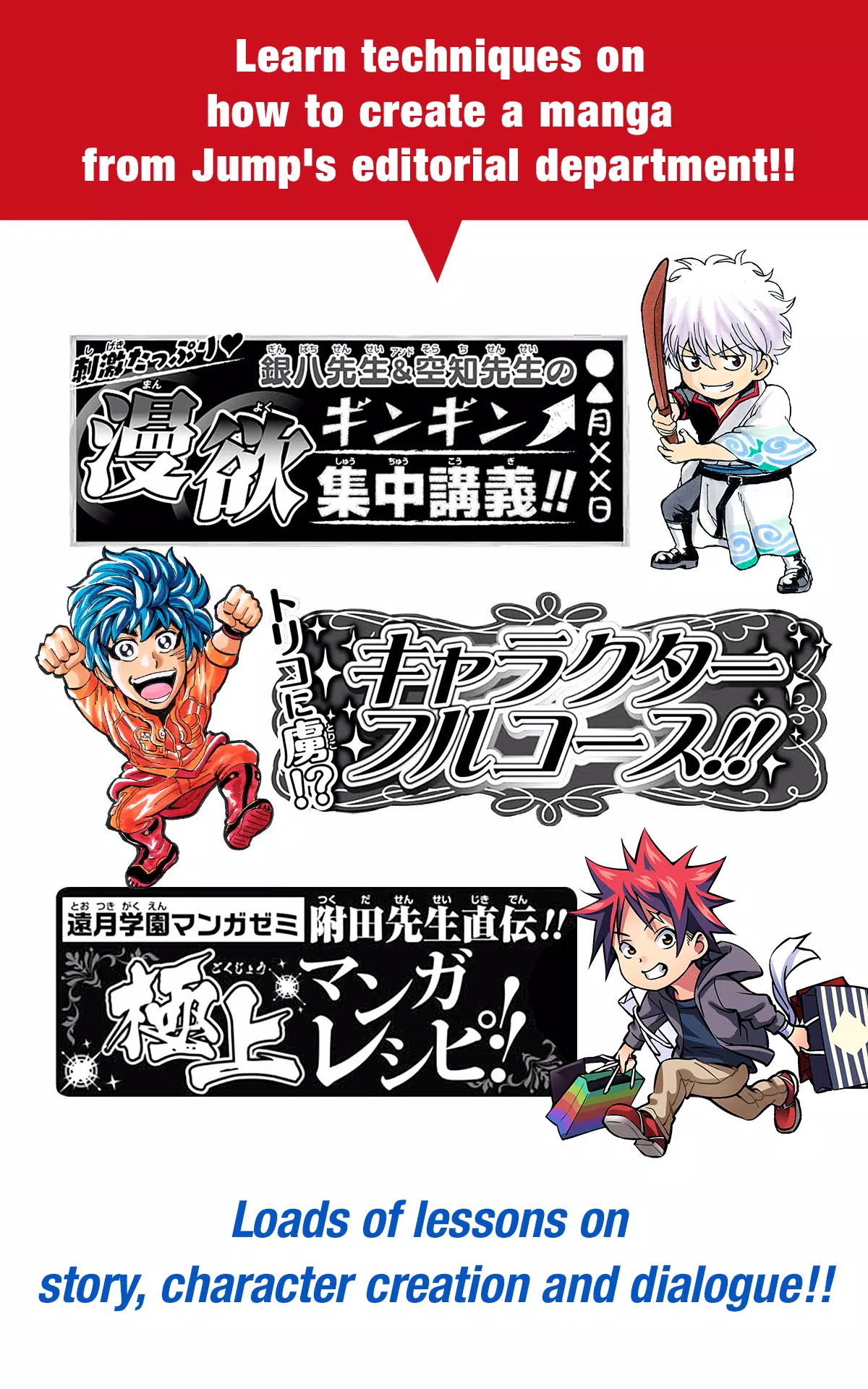
■Master the art of manga creation with techniques directly from Jump's editorial team!
Comprehensive lessons covering story development, character design, and writing dialogue!
■Enter official Jump contests directly through the app!
Stay updated on all contest details and never miss a deadline!
What is JUMP PAINT?
It's the ultimate manga and illustration app—a special collaboration between MediBang Paint (12+ million downloads) and Weekly Shonen Jump.
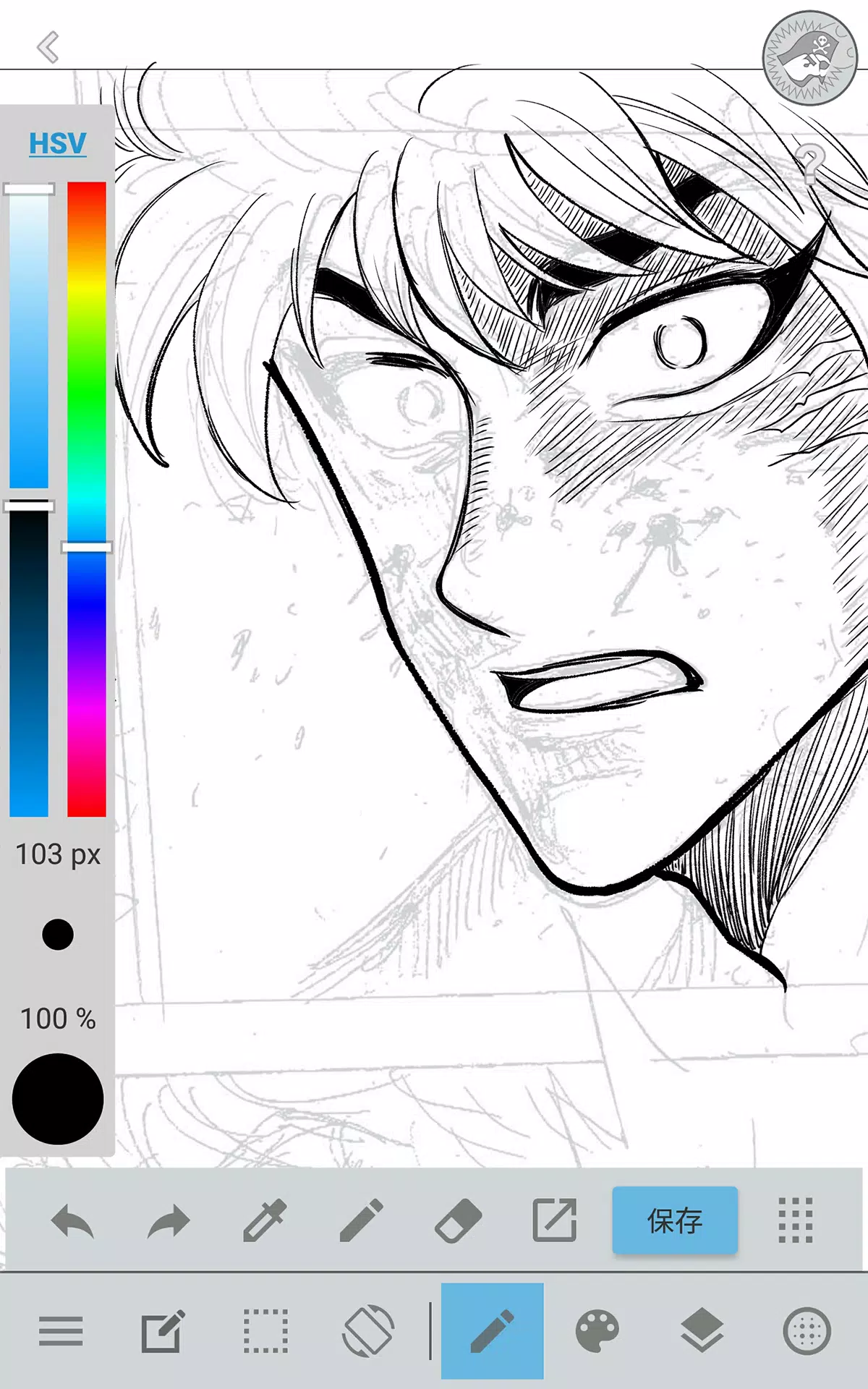
JUMP PAINT was designed to give creators a complete drawing environment anywhere, anytime, leveraging MediBang Paint's advanced toolset.
JUMP PAINT is ideal illustration and manga software. It comes loaded with professional tools, including diverse brushes, materials, and manga lettering fonts.
■ Draw Anywhere!
・JUMP PAINT gives you nearly all the power of a desktop art program right in your pocket.
・Despite its rich toolset, JUMP PAINT's interface is optimized specifically for iPhone.
・Toggle the UI open or closed with one tap for a streamlined workflow.
・The intuitive interface lets you adjust brush size or color modes effortlessly.
■ Painting Tools
・Access over 90 free brushes!
・Choose from Pen, Pencil, Watercolor, Blur, Smudge, G Pen, Mapping Pen, Rotation Symmetry, Edge Pens, plus more than 50 others like Brush, Flat Brush, Round Brush, Acrylic, School Pen, and Soft Pastel.
・Force Fade In and Out help you draw crisp lines, even with your finger.
・You can also design and save your own custom brushes.
■ Free Resources
・Select from 800+ free tones and backgrounds.
・Includes pre-made assets like clouds, buildings, and vehicles.
・Add tones instantly with a single tap.
■ Layers
・Work with layers that support blending modes.
・Keep different parts of your artwork organized and editable.
■ Comic Fonts
・Easily change the feel of your comics with professional lettering.
・Define character moods or traits with the right font.
・Get 50 fonts trusted by industry professionals.
■ Comic Creation
・Drag your finger across the screen to build comic panels.
・Reshape panels freely to match your layout.
■ User Friendly
・Customize shortcuts to fit your workflow.
・Beginner-friendly and easy to start with.
・An artist-focused interface maximizes your drawing area.
・Switch to full-screen mode instantly with one tap.
■ Other Tools
・Use perspective guides and tools for straight lines and smooth curves.
・Enable stroke stabilization to smooth your linework.
■ Photo Reference
・Capture photos in-app and place them on a separate layer for reference.
・Use them for study or as a base for new drawings.
■ Cloud Storage
・Securely back up and manage your creative projects.
・Easily move your artwork between devices.
■ Manage Project
・Save and organize multi-page documents.
■ Syncability
・Sync your custom presets with the PC version of JUMP PAINT.
■ Team Creation
・Work together with friends on shared projects, no matter the distance.
■ Auto Recovery
・Your work is automatically saved in case of a device crash.
IMPORTANT
To use the app's cloud features, you need a MediBang account (https://medibang.com/).
Art & Design


 Download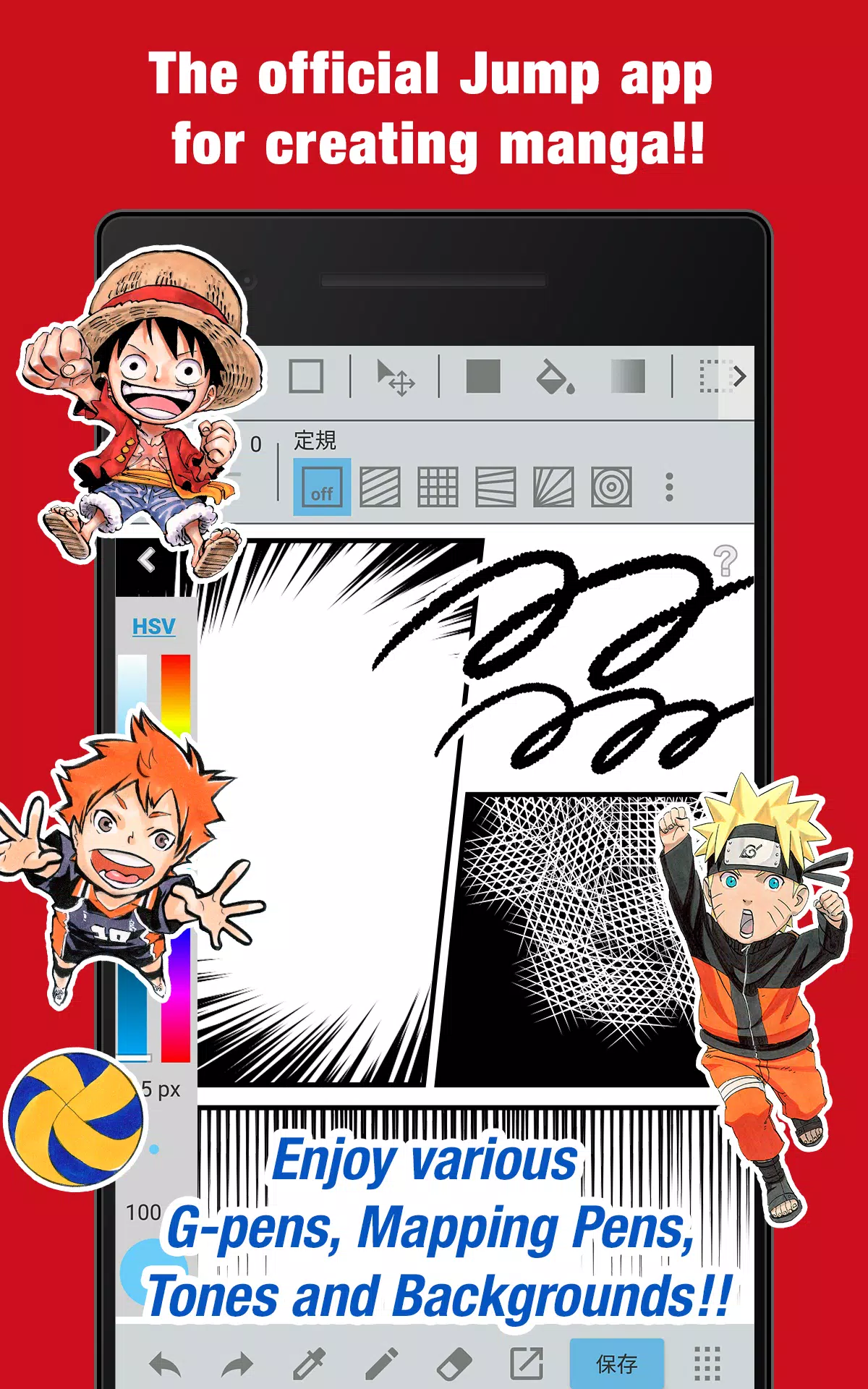
 Apps like JUMP PAINT by MediBang