Microsoft Excel: Spreadsheets is a robust spreadsheet program within the Microsoft Office suite. It is extensively employed for data analysis, financial modeling, and handling significant volumes of numerical information. Users can effortlessly create budgets, analyze data, build charts and graphs, and execute sophisticated calculations.

Key Features of Microsoft Excel: Spreadsheets
Excel provides a suite of features that are vital for both personal and business applications. These include:
- A versatile grid for structuring data into rows and columns.
- Multiple data entry formats, including text, numbers, dates, and formulas.
- Advanced calculation tools like formulas and functions to automate math.
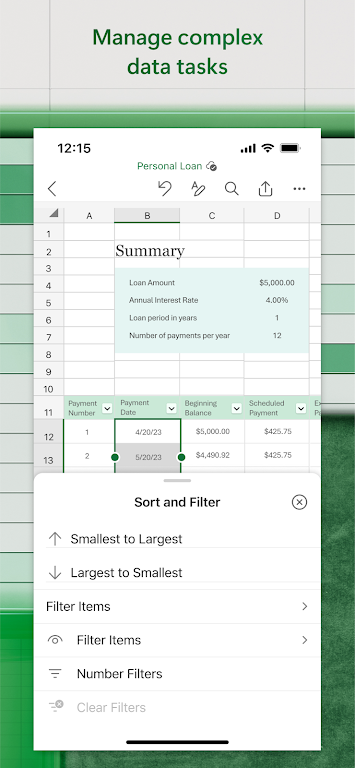
- Sorting and filtering tools to organize and examine datasets.
- Sophisticated analysis features such as pivot tables and what-if scenarios.
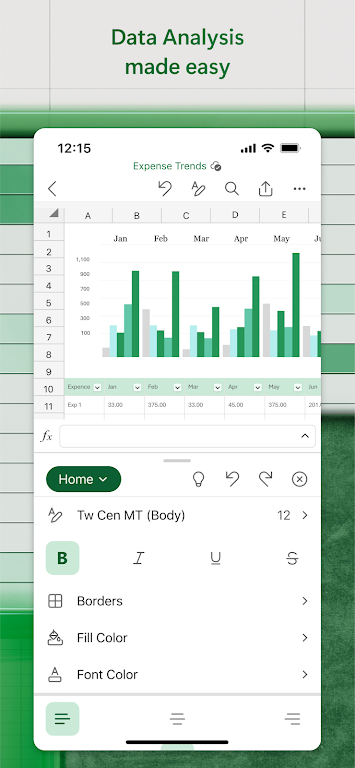
- The capability to generate dynamic charts and graphs for data visualization.
- Collaboration tools that let multiple users edit the same file in real time.
Using Excel for Data Analysis
Microsoft Excel: Spreadsheets excels in data analysis. Its user-friendly interface allows for quick data entry, organization, and the use of formulas to gain insights. Pivot tables are especially powerful for summarizing and analyzing large datasets without any coding.
Creating Visualizations
The software enables users to transform raw data into persuasive visual narratives using charts, graphs, and sparklines. These visuals can be highly customized to present information clearly and effectively.
Collaboration and Sharing
In team settings, Excel allows users to share spreadsheets and collaborate simultaneously. This makes group projects easier, facilitates change tracking, and helps maintain document versions.
Integrating with Other Applications
Microsoft Excel: Spreadsheets works smoothly with other Microsoft Office apps like Word and PowerPoint, letting users embed spreadsheet data into reports or slides. It also supports various import and export formats for compatibility across different platforms.
Support and Learning Resources
Microsoft Excel: Spreadsheets offers comprehensive support through online help, tutorials, and an active user community. Additionally, many third-party books, courses, and add-ins are available to help users learn and expand the software's capabilities.
Conclusion
Microsoft Excel: Spreadsheets is a flexible and all-inclusive tool crucial for anyone working with data. Its extensive features and intuitive interface cater to users at all skill levels across various industries. Whether managing budgets, monitoring projects, or conducting detailed data analysis, Excel delivers the necessary tools to work efficiently.



 Download
 Application Description
  Apps like Microsoft Excel: Spreadsheets