UgPhone - Android Cloud Phone lets you run Android apps, play games, and access worldwide app stores without being limited to one device. Using modern data center tech and network enhancements, it ensures smooth gaming and app usage from anywhere, while keeping your device’s local storage and resources free.
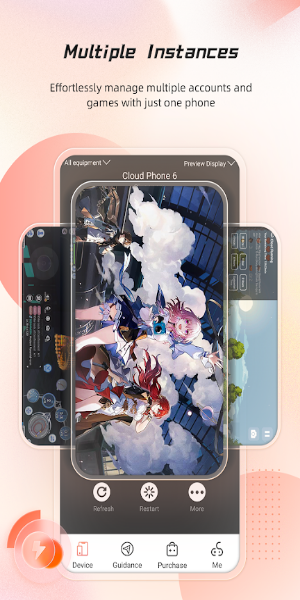
Redefine Your Digital Experience
1. Native Android System: Experience authentic Android functionality without draining your own device's storage or performance.
2. 24/7 Online Gaming: Play non-stop without worrying about battery, connection issues, or local hardware limits. Customize playtimes to fit your schedule.
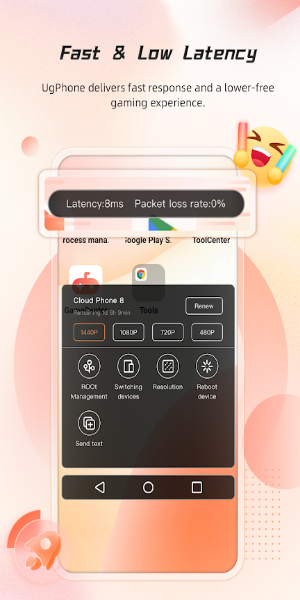
3. Smooth Operation and Low Latency: Global server nodes and optimized databases provide lag-free gaming with fast, dependable performance.
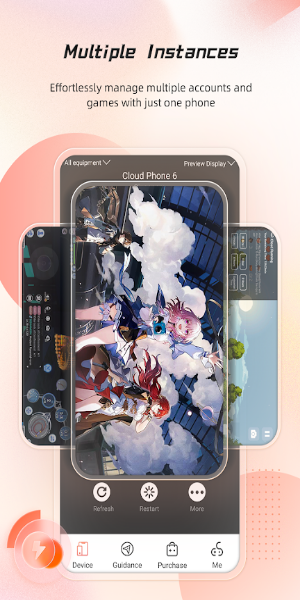
4. Multi-Account Operation: Handle multiple games and apps on separate cloud phones under one account. Run operations in sync and cut down on repetitive tasks.
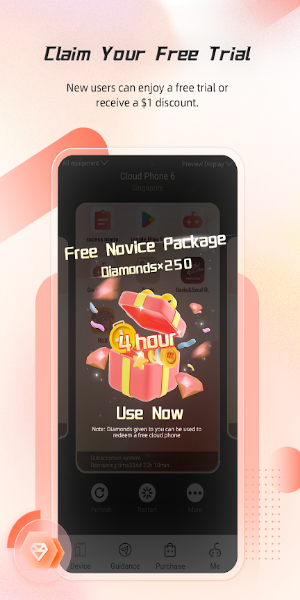
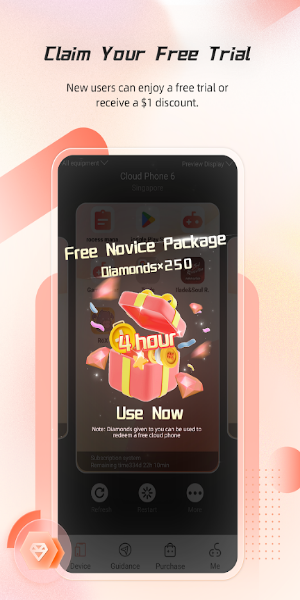
5. Long Free Trial: New users get a generous trial period to test features and learn how to make the most of the cloud phone experience.
Best Tips and Tricks to Use UgPhone - Android Cloud Phone APK
1. Download and Install: Get UgPhone from its official website or app store, install it, and set up your account to begin.
2. Log In and Set Up Your Cloud Phone: Sign in and customize your cloud phone—install your preferred games and apps, and tailor your virtual environment.
3. Access Global Content: Discover and download apps from different countries through UgPhone's cloud platform—no regional restrictions.
4. Play Games Anytime: Start your favorite games directly in the cloud. Progress saves automatically, so you can move across devices without interruption.
5. Manage Multiple Accounts: Use the multi-account feature to run various games or apps on several cloud phones at once, maximizing your productivity and fun.
Interface and Design
UgPhone comes with a clean, user-friendly interface designed for easy navigation. Its intuitive layout lets you manage cloud phones and access content quickly. The design delivers a responsive, clutter-free experience so you can switch between apps or settings smoothly.
What’s Updated in Latest Version
The new version of UgPhone - Android Cloud Phone includes boosted network optimization for lower latency and improved game performance. You’ll also find a smoother interface, better tools for handling multiple accounts, and easier access to worldwide apps. Plus, bug fixes and performance upgrades make everything run more reliably.
Download UgPhone - Android Cloud Phone to Explore the Future of Cloud-Based Entertainment
UgPhone - Android Cloud Phone transforms mobile gaming and app usage by offering a flexible, cloud-powered solution. With native Android support, minimal lag, and multi-account features, it’s a powerful, versatile tool for users everywhere.



 Download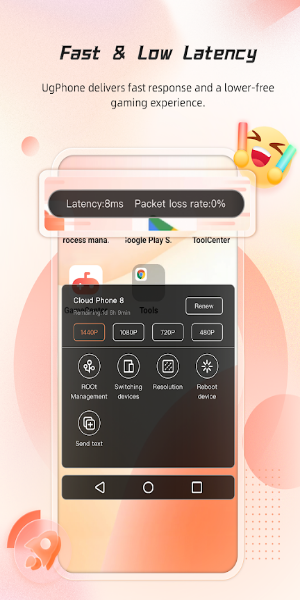
 Application Description
  Apps like UgPhone - Andorid Cloud Phone