Application Description
Advanced security with gesture unlockComprehensive format compatibilityOther advanced featuresConclusionOPlayer is a cutting-edge media playback application designed for Android devices, celebrated for its versatility and advanced capabilities. As one of the top HD video players for Android tablets and phones, OPlayer stands out with its extensive format support, covering MKV, MP4, M4V, AVI, MOV, 3GP, FLV, WMV, RMVB, TS, and more. Beyond simple playback, the app emphasizes user privacy with its innovative Gesture Unlock feature, while delivering a smooth viewing experience through Ultra HD video playback and hardware acceleration. With multitasking functionality, Chromecast integration, and comprehensive file management, OPlayer serves as a versatile solution and a high-quality music player, establishing new benchmarks in the Android media player landscape.
Advanced security with gesture unlock
In the world of Android media players, OPlayer demonstrates exceptional sophistication, with its Gesture Unlock for Video Security being a prime example of its advanced offerings. In an era where privacy is increasingly vital, the app leads by enabling users to secure their videos via a unique gesture-based unlocking system. This innovative method not only boosts the app's appeal but also tackles a core concern for users who need strong protection for their private or sensitive media. While OPlayer includes numerous advanced features like Chromecast integration, multitasking options, and wide format support, the Gesture Unlock feature truly distinguishes it, highlighting a dedication to user privacy and positioning it as a leader in the Android media player market.
OPlayer excels as a media playback tool thanks to its unmatched commitment to comprehensive format compatibility. With a broad range of supported video formats, including MKV, MP4, M4V, AVI, MOV, 3GP, FLV, WMV, RMVB, TS, and others, the app surpasses typical standards to let users enjoy their favorite content seamlessly, without the hassle of format conversion. This inclusive approach not only removes file compatibility issues but also reflects OPlayer's focus on delivering a complete media experience, where users can effortlessly access diverse video formats with ease and convenience.
Other advanced features
- Ultra HD video playback: OPlayer elevates video quality with its Ultra HD capabilities, ensuring smooth playback of 4K content. Using hardware acceleration, it provides an immersive viewing experience with exceptional clarity.
- Chromecast integration: OPlayer enhances functionality by enabling users to cast videos to their TV via Chromecast. This feature seamlessly connects the app to larger screens, creating an immersive home theater experience.
- Subtitle downloader and more: The app goes beyond basic playback with tools like a subtitle downloader, adding convenience for users who prefer subtitles. OPlayer's attention to user satisfaction is clear in these extra features.
- Multitasking capabilities: OPlayer supports multitasking with a pop-up window, split screen, and background video playback. Users can watch videos while using other apps or play videos in the background like a music player.
- Night mode, quick mute & playback speed control: OPlayer offers a customizable viewing experience with night mode, quick mute, and playback speed adjustments. Users can adapt settings to their preferences and environment.
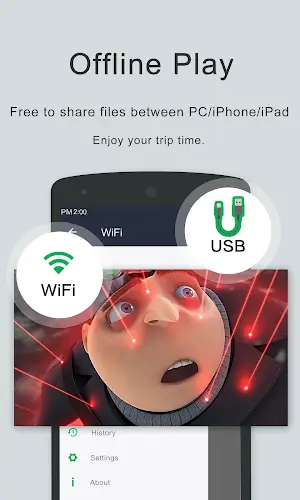
- Comprehensive file management: More than a media player, OPlayer includes a full-featured file manager. Users can easily manage, move, cut, paste, and share video files within the app.
- Audio playback excellence: OPlayer also serves as a top-tier music player, supporting various audio formats such as WMA, FLAC, MP3, OGG, MIDI, AMR, AAC, DTS, and M4A.
- User-friendly interface: With an intuitive interface, OPlayer gives users easy control over volume, brightness, and playback progress through simple on-screen gestures.
Conclusion
OPlayer represents the evolution of media playback on Android, combining versatility, security, and user-focused features to create an essential app for a complete multimedia experience. Whether you're watching videos, listening to music, or managing your media library, OPlayer sets a high standard for quality in the Android media player world.
Video Players & Editors



 Download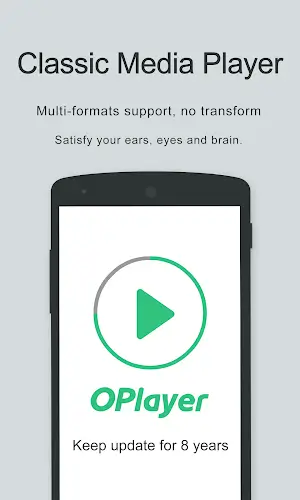
 Apps like Video Player - OPlayer