Application Description
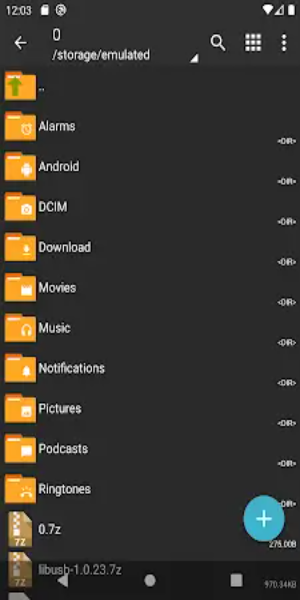
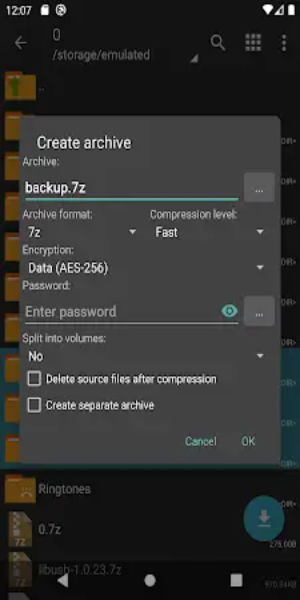
ZArchiver Donate, the premium edition of the widely used ZArchiver app, delivers sophisticated archive management within a polished interface. It handles creation and extraction for formats like 7z and zip, includes image previews, and lets you edit files directly inside archives. Enjoy customizable light and dark themes, password protection, and direct APK/OBB installation from backups.
Key Advantages of ZArchiver Donate:
1. Personalized Interface: Tailor your experience with ZArchiver Donate’s customizable UI, featuring both light and dark themes. Choose your preferred look for a visually appealing workspace.
2. Superior Security: Prioritizing data safety, ZArchiver Donate includes robust password storage. Securely compress and extract protected archives to add an extra layer of defense for sensitive files.
3. Image Preview Tool: Easily manage visual media with the built-in image preview feature. View images directly within archives to quickly identify and organize content without extraction.
4. In-Archive Editing: Modify files directly inside archives, supporting formats like zip, 7zip, tar, apk, and mtz. This flexibility allows you to edit content on the fly without unpacking first.
5. Enhanced Privacy: Designed for privacy-conscious users, ZArchiver Donate requires no internet permissions. Your data stays local, ensuring stored information remains confidential and secure.
Performance Improvements:
- Faster Launch on Android 9+: ZArchiver Donate is optimized for quick startup and efficient handling of small files on modern Android versions.
- Multithreading Power: Leveraging multicore processors, multithreading support significantly boosts speed and efficiency during heavy tasks like large file extraction.
- Wide Filename Encoding: Full support for UTF-8 and UTF-16 allows filenames with special characters and symbols from various languages, enhancing global usability.
Additional Pro Features:
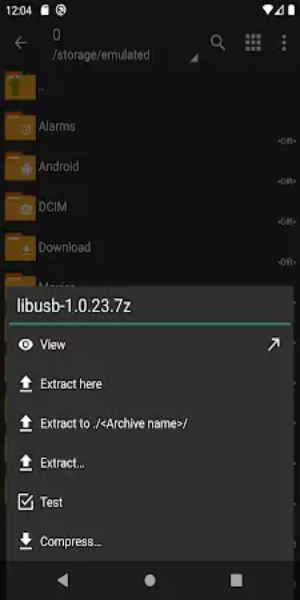
1. Extensive Format Support: Create and extract a wide variety of archives including 7z, zip, bzip2, gzip, XZ, lz4, tar, and zst for optimal file organization.
2. Quick Content Inspection: Preview contents of formats like 7z, zip, rar, bzip2, gzip, XZ, iso, and tar instantly to assess files without full extraction.
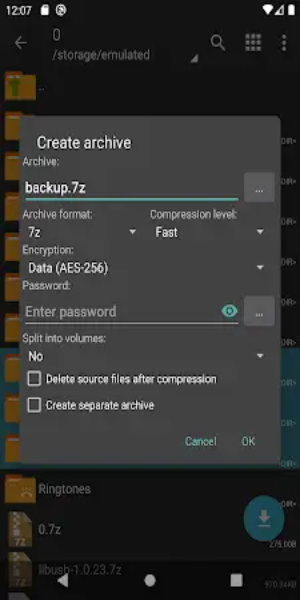
3. Secure Password Protection: Generate and open password-protected archives to keep your most important data safe from unauthorized access.
4. Multi-Part Archive Handling: Seamlessly manage split archives (7z and rar) by treating them as single units, simplifying the handling of large datasets.
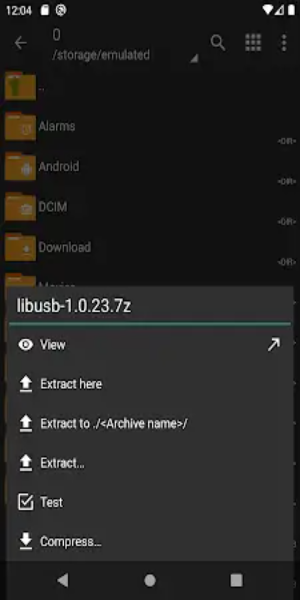
5. Direct App Installation: Install APKs and OBB files directly from backups for quick app restoration without manual file copying.
6 selective Extraction: Save time and storage space by extracting only specific files or folders from within an archive rather than unpacking everything.
7. Split Archive Compatibility: Extract split archives such as 7z.001, zip.part1, or rar.z01 with ease, ensuring compatibility across diverse file structures.
Final Thoughts:
ZArchiver Donate stands out as a comprehensive and user-friendly solution for archive management. With powerful features, strong security protocols, and broad format compatibility, it empowers users to organize, protect, and edit digital files effortlessly. Whether you are a casual user or an advanced tech enthusiast, ZArchiver Donate delivers the robust tools needed for all your archiving needs.
Lifestyle



 Download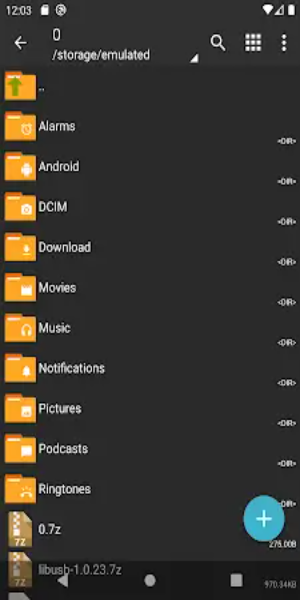
 Apps like ZArchiver Donate