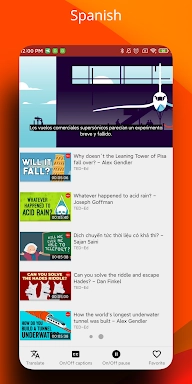
zTranslate eliminates language barriers in video content effortlessly. This versatile app translates subtitles from the original language into 110+ languages, ideal for global audiences and language learners. Key highlights include side-by-side subtitle comparison, an instant word dictionary, and shadowing exercises to accelerate language mastery.
zTranslate Features: Subtitle Translation
⭐ Extensive Language Options
Enjoy video content in your native tongue with subtitle support for 110+ languages.
⭐ Built-in Language Learning
Perfect for studying foreign languages through direct comparison of original and translated subtitles.
⭐ Instant Vocabulary Builder
Simply tap any word to get instant definitions, expanding your vocabulary while watching content.
⭐ Pronunciation Trainer
Master accents and fluency using the scientifically-proven shadowing technique.
Common Questions:
⭐ Is there a cost to use zTranslate?
The app is completely free with no in-app purchases or subscription requirements.
⭐ Does it work without internet?
Yes, download videos with subtitles for offline access anywhere, anytime.
⭐ How reliable are the translations?
Cutting-edge translation technology delivers precise subtitle conversions across all supported languages.
Getting Started Guide:
1. Install: Download zTranslate from your app store
2. Launch: Open the app and select your video source (YouTube or local files)
3. Discover Content: Browse or search for videos with available subtitles
4. Language Setup: Choose original and target subtitle languages
5. Automatic Translation: Real-time subtitle conversion begins immediately
6. Learning Mode: Compare dual subtitles to enhance comprehension
7. Word Explorer: Single-tap any term for detailed definitions
8. Speaking Practice: Use shadowing exercises to perfect pronunciation
9. Customization: Personalize subtitle appearance and playback settings
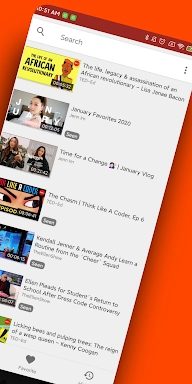
10. Bookmark: Save your favorite videos for quick access


 Download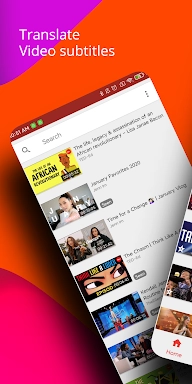
 Application Description
  Apps like zTranslate: Translate subtitle