Description de l'application
Here's a clear, professional, and user-friendly summary of the Microphone Amplifier app, optimized for use in app store descriptions, marketing materials, or user guides — especially for individuals with hearing challenges or those seeking assistive audio technology:
🎯 Microphone Amplifier – Turn Your Phone into a Personal Hearing Assistant
Transform your smartphone into a powerful personal sound amplifier with Microphone Amplifier — the smart, accessible audio enhancement app designed to help you hear conversations, TV, lectures, and everyday sounds more clearly.
Perfect for people with mild to moderate hearing loss, noisy environments, or anyone who wants to enjoy audio on their own terms.
🔊 How It Works
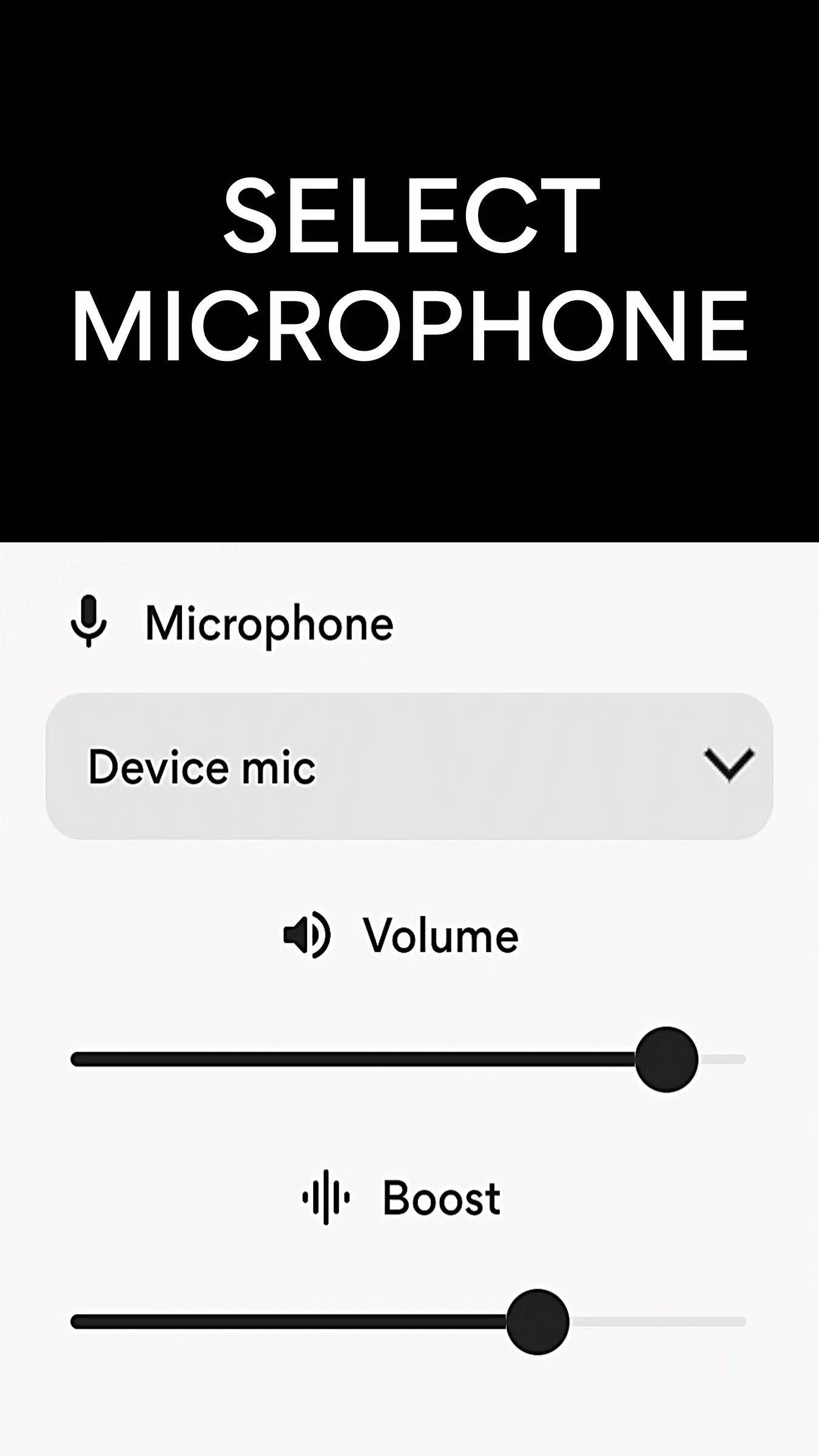
Connect your earphones or Bluetooth headphones, choose your preferred microphone (built-in, wired headset, or Bluetooth mic), and tap “Listen” — instantly amplify surrounding sounds with crystal-clear audio.
Whether you're at home, in a café, or attending a lecture, Microphone Amplifier puts you back in control of what you hear.
✅ Key Features
-
🎙️ Multiple Microphone Options
Choose between:
- Phone’s built-in mic
- Wired headset microphone
- Bluetooth microphone (e.g., earbuds, hearing aids, headsets)
-
🔊 Sound Booster
Amplify ambient sounds and voices up to 200% volume (adjustable per user needs).
-
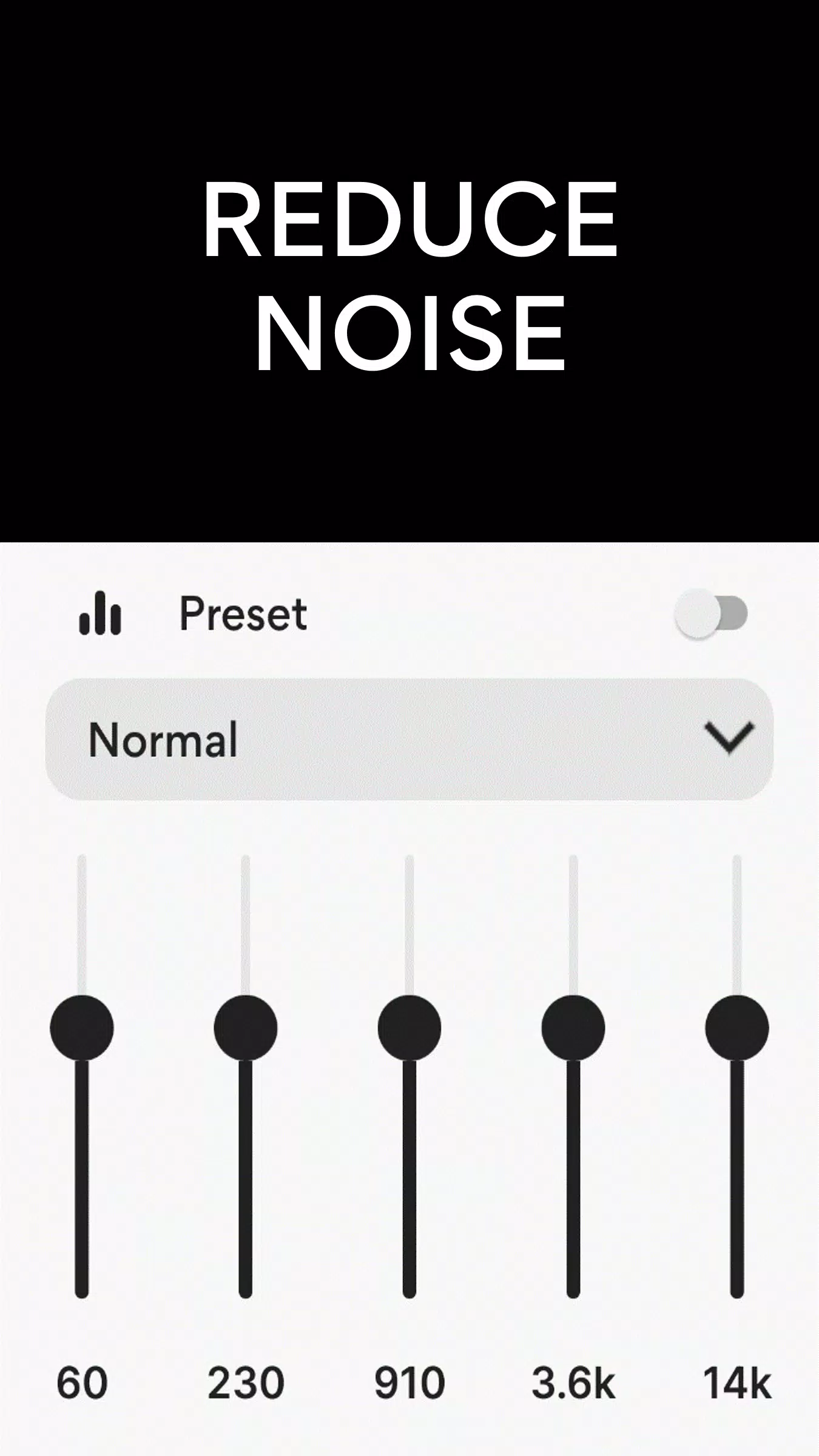
🔇 Advanced Noise Reduction / Suppression
Filters out background noise like fans, traffic, and crowds — so speech stands out.
-
🔁 Echo Cancellation
Eliminates audio feedback and echo, especially useful in rooms or when using remote mics.
-
🎚️ Customizable Sound Equalizer
Adjust bass, treble, and mid-tones to match your hearing preferences.
-
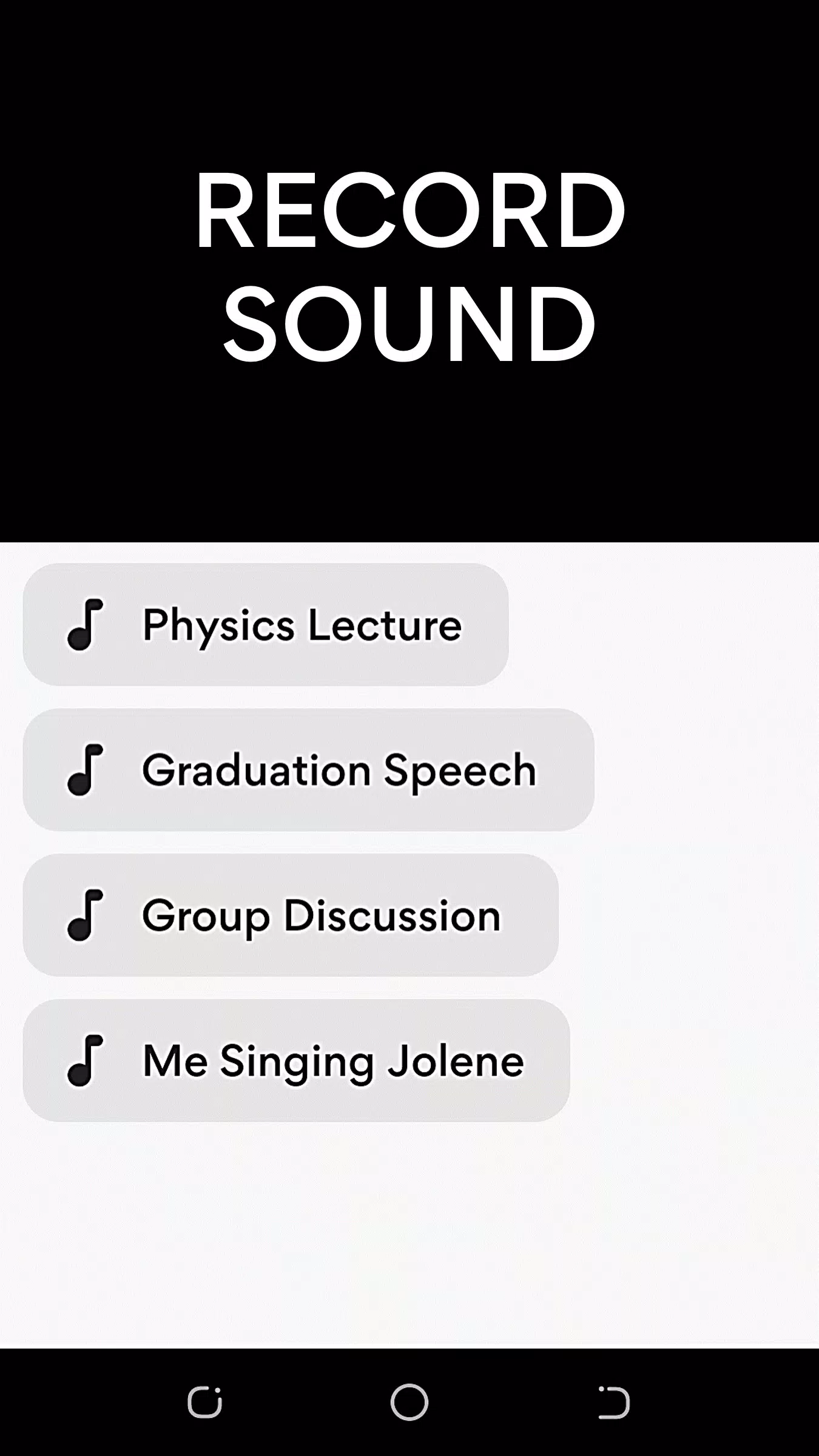
📱 MP3 Sound Recorder
Record important conversations, lectures, or moments with one tap.
-
🔗 Wireless & Bluetooth Connectivity
Pair with any Bluetooth earbuds, headphones, or hearing aids (including compatible models).
-
🎩 Volume Control & Left/Right Audio Balance
Fine-tune levels for each ear — ideal for asymmetric hearing loss.
-
🎧 Remote Listening Mode
Place your phone near a TV, speaker, or stage, and stream amplified audio wirelessly to your headphones — no one else needs to hear it.
📱 How to Use – 3 Simple Steps
- Connect your earphones or pair Bluetooth headphones.
- Open the Microphone Amplifier app.
- Tap “Listen” and let the app amplify and clarify sound in real time.
💡 Pro Tip: Use your phone as a remote mic — place it near a TV or speaker and enjoy private, loud, and clear audio from anywhere in the room.
🩺 For Hearing Support, Not Medical Treatment
Disclaimer:
Microphone Amplifier is not a medical device and is not intended to replace a prescribed hearing aid. It is designed as a personal sound enhancement tool for everyday use. Always consult an audiologist for proper hearing evaluation and treatment.
🌟 Why People Love It
- ✅ Helps with mild to moderate hearing difficulties
- ✅ Enhances TV, music, and conversation clarity
- ✅ Ideal for elderly users, students, parents, and remote workers
- ✅ Affordable alternative to expensive hearing aids
- ✅ No special hardware required — works with any smartphone and headphones
📦 Latest Update: Version 12.7.2 (Released: August 1, 2024)
- 🔄 Improved Noise Cancellation – Smoother, more natural sound
- 🎧 Left/Right Audio Balance Control – Personalize sound for each ear
- 🛠️ Performance optimizations & bug fixes
📲 Get Started Today — Hear the World More Clearly
Download Microphone Amplifier now and turn your phone into a powerful, portable hearing assistant.
🎧 Your ears. Your volume. Your way.
🔗 Available on Google Play Store
📱 Works with Android smartphones and Bluetooth devices
💬 Support: [email protected]
Let me know if you’d like a shortened version for app description, video script, social media post, or translation into another language!
Médical


 Télécharger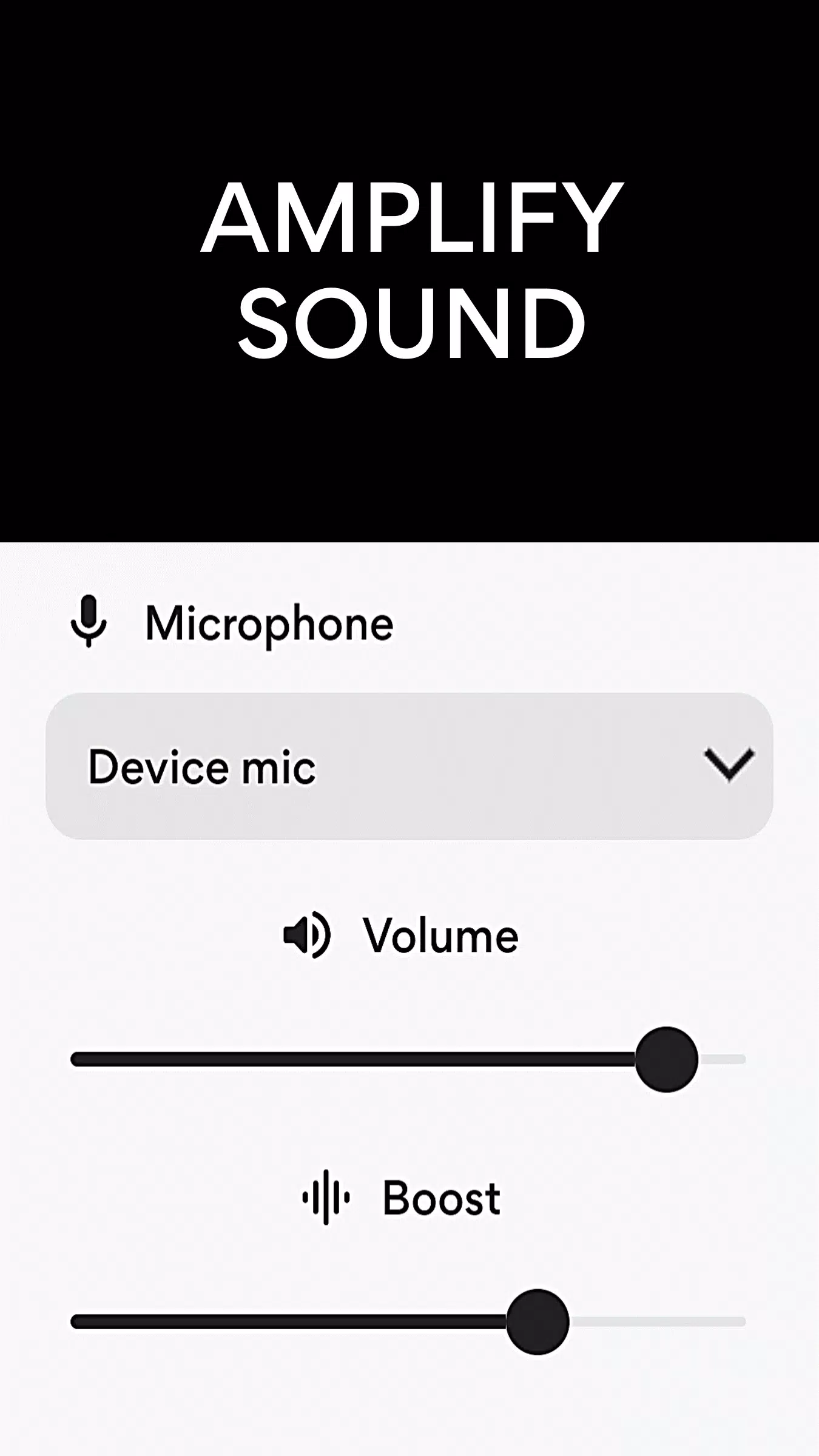
 Applications semblables à Microphone Amplifier