Application Description
Turn your phone's or headset's microphone into a personal sound amplifier for enhanced hearing.
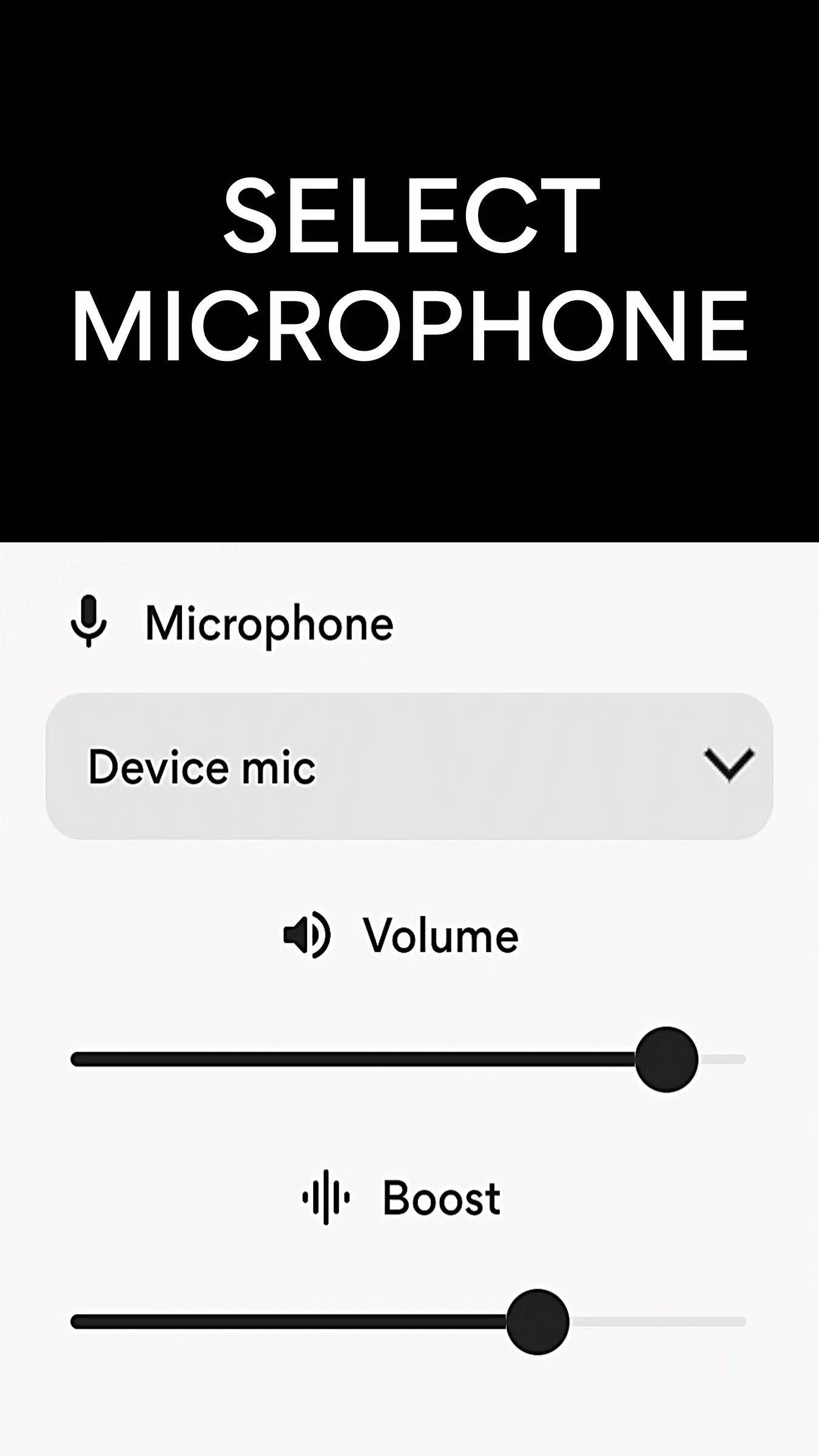
Microphone Amplifier transforms your phone's microphone into a powerful sound amplifier, capturing ambient sounds and making them louder. You can choose between the phone's built-in microphone, a headset mic, or a Bluetooth microphone to pick up and amplify the audio around you.
This microphone app assists users in hearing conversations and environmental sounds more clearly, and can amplify TV audio directly to your headphones for a louder, personal listening experience.
Use Microphone Amplifier as a remote microphone. Simply connect your Bluetooth headphones, press "Listen," and place your phone near a TV or speaker to hear the audio louder and clearer through your headphones.
Microphone Amplifier boosts sound volume, filters out background noise, and delivers the enhanced audio to your earphones at an increased level.
For those with hearing difficulties who may not have access to medical hearing aids, this app provides a helpful tool to better perceive conversations and speech. When dealing with hearing loss, simply asking others to speak up or turning up the TV volume often isn't enough, as everyone's hearing needs are unique.
Microphone Amplifier effectively allows you to use your smartphone as a hearing assistance device. Connect a Bluetooth headset, select the headset microphone, and tap the Listen button to clearly hear your surroundings.
With headphones connected, Microphone Amplifier lets you amplify crucial sounds like nearby conversations, monitor your environment from afar, enjoy TV audio at a personal volume, enhance a presenter's voice during lectures, and stay aware of what's happening around you.
Features
1. Select Microphone: Phone mic, Headset mic or Bluetooth mic.
2. Sound Booster
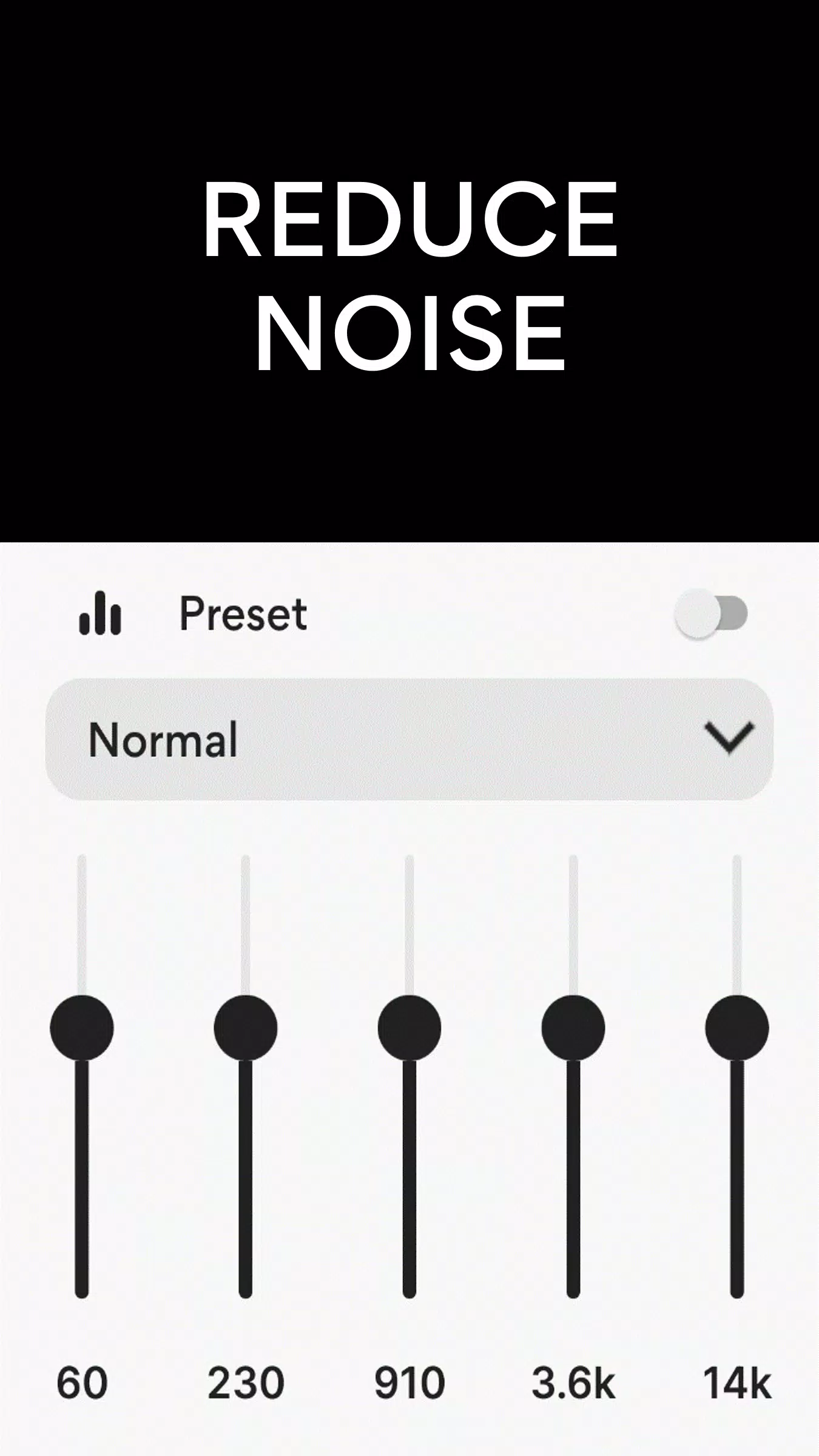
3. Noise Reduction / Noise Suppression
4. Echo Cancellation
5. Sound Equalizer
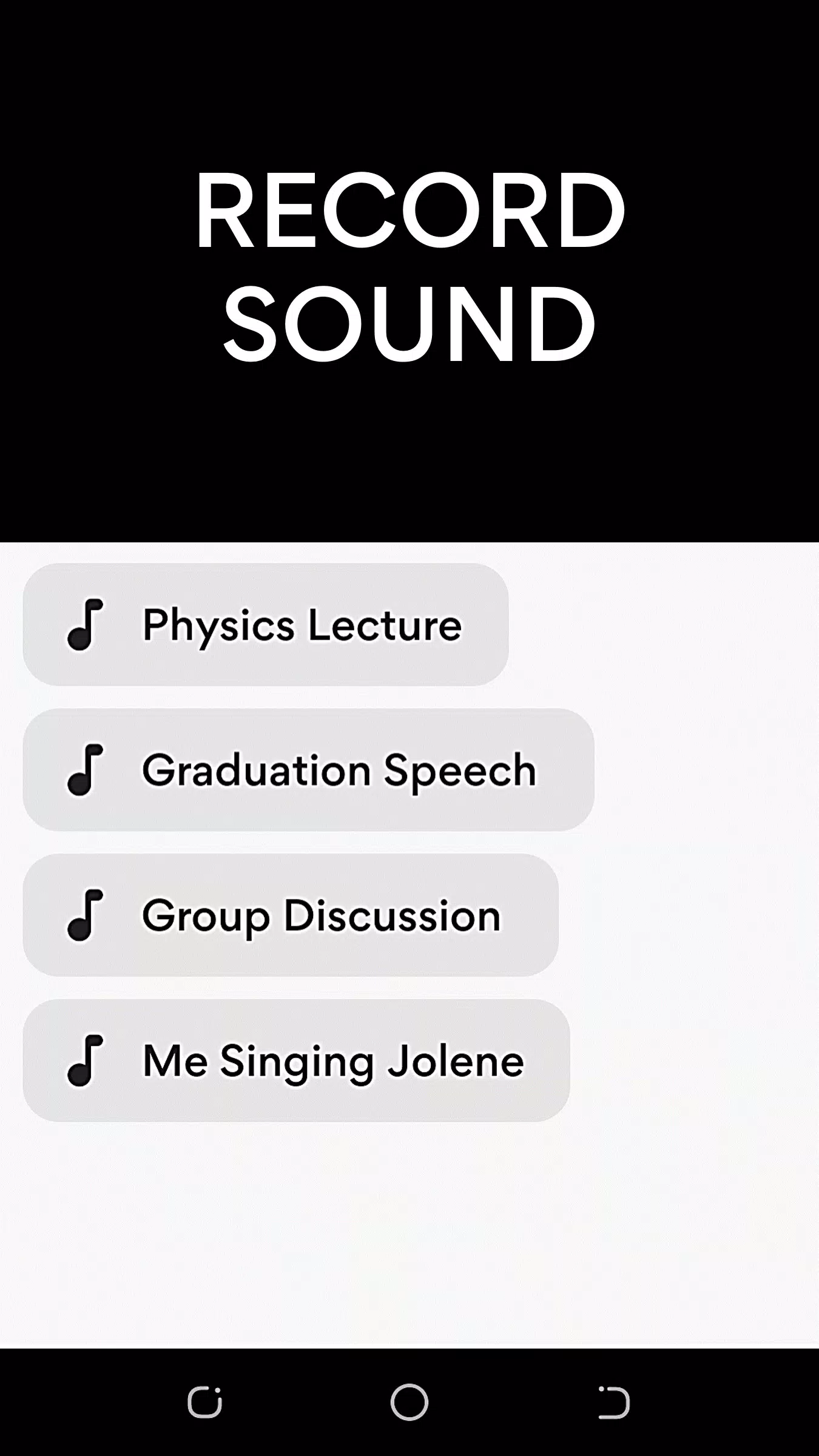
6. MP3 Sound Recorder
7. Wireless / Bluetooth Connectivity
8. Volume Control
How to use Microphone Amplifier
1. Plug in earphones or pair Bluetooth headphones with your Android device.
2. Open the Microphone Amplifier app and tap "Listen" to begin capturing and amplifying sound to your earphones or Bluetooth headphones.
Note: When using Bluetooth headphones, you can position your phone close to the audio source and listen from a distance.
Disclaimer: Use Microphone Amplifier to support your hearing; it is not a replacement for a prescribed medical hearing aid.
What's New in the Latest Version 12.7.2
Last updated on Aug 1, 2024
• Noise Cancellation
• Left/Right Audio Balance
Medical


 Download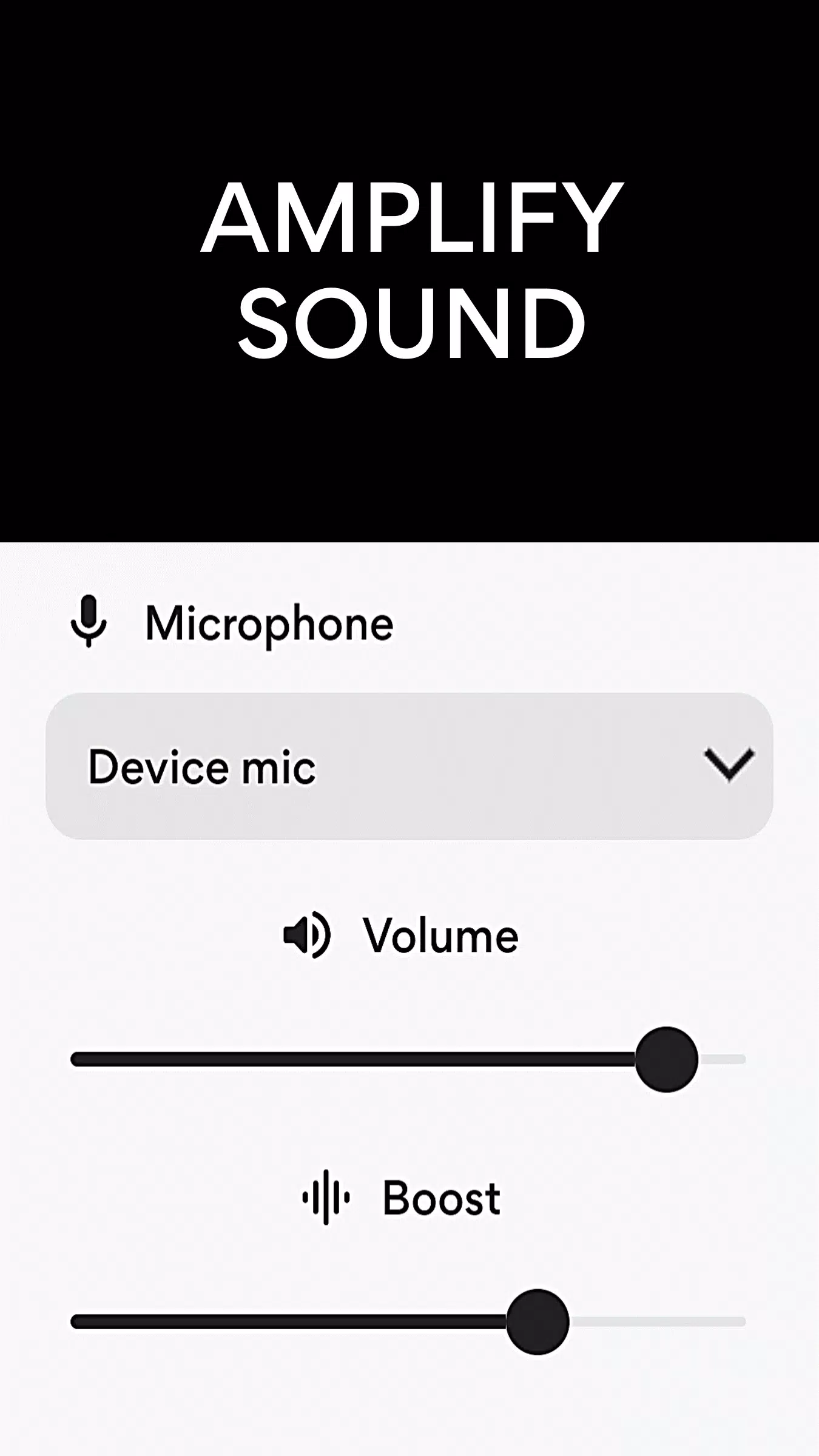
 Apps like Microphone Amplifier