アプリ 医学 MiniMed™ Mobile
MiniMed™ Mobile

MiniMed™ Mobile

医学 2.7.0 22.4 MB

by Medtronic, Inc. Mar 08,2026

Here's a clear, concise summary of the MiniMed™ Mobile App (Version 2.7.0) information, ideal for sharing with users or including in patient education materials: 🌟 MiniMed™ Mobile App – Version 2.7.0 (Updated: October 18, 2024) ✅ What’s New? Improv

3.1
MiniMed™ Mobile スクリーンショット 0
MiniMed™ Mobile スクリーンショット 1
MiniMed™ Mobile スクリーンショット 2
MiniMed™ Mobile スクリーンショット 3
アプリケーションの説明

Here's a clear, concise summary of the MiniMed™ Mobile App (Version 2.7.0) information, ideal for sharing with users or including in patient education materials:


🌟 MiniMed™ Mobile App – Version 2.7.0 (Updated: October 18, 2024)

What’s New?

  • Improved Connectivity: This update enhances the stability and reliability of your wireless connection between the MiniMed™ 700-series insulin pump and your smartphone.
  • Recommended Update: We strongly recommend updating to Version 2.7.0 as soon as possible to ensure uninterrupted access to your insulin pump and CGM data.

📱 How the App Helps You Manage Diabetes

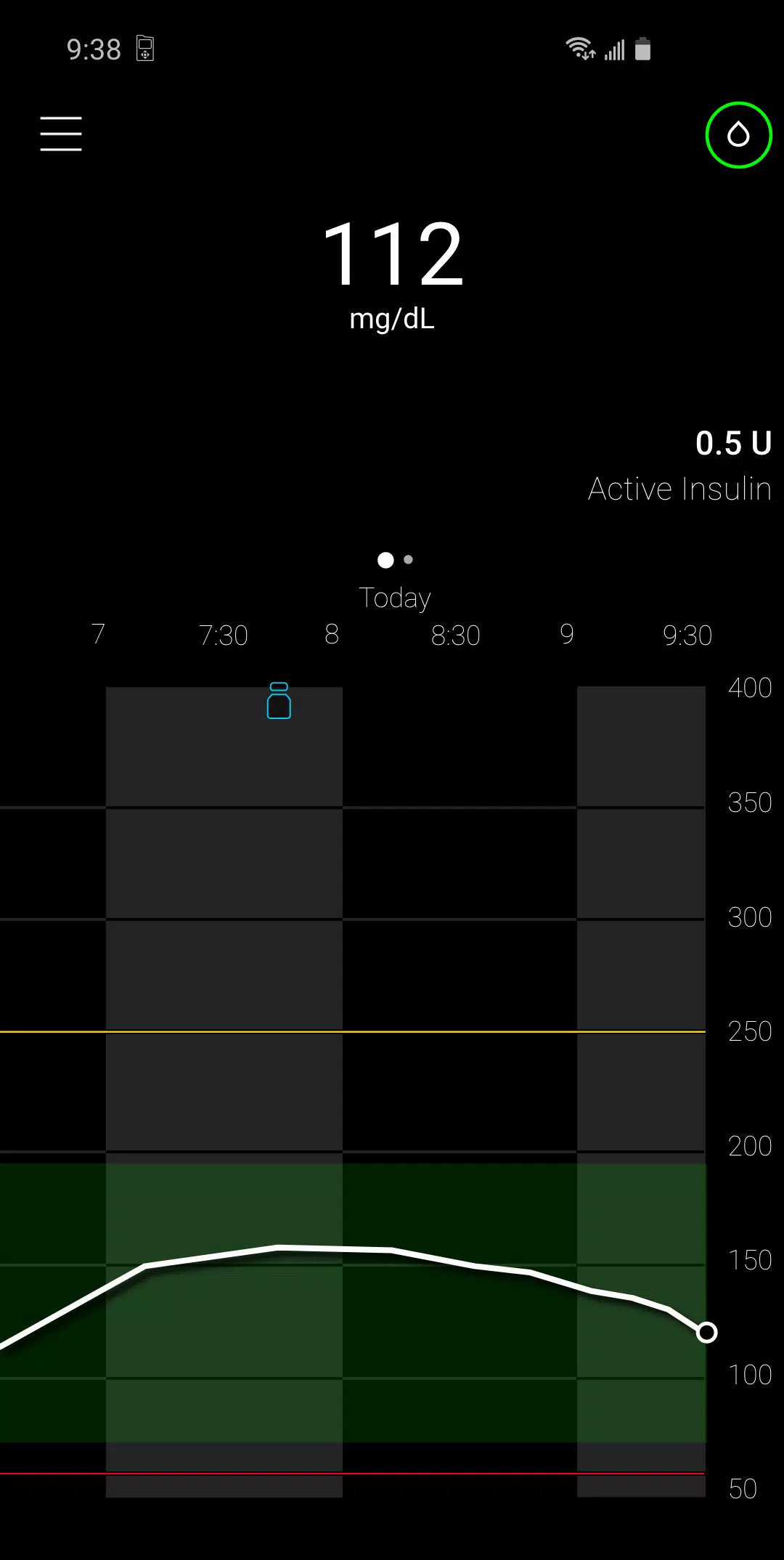
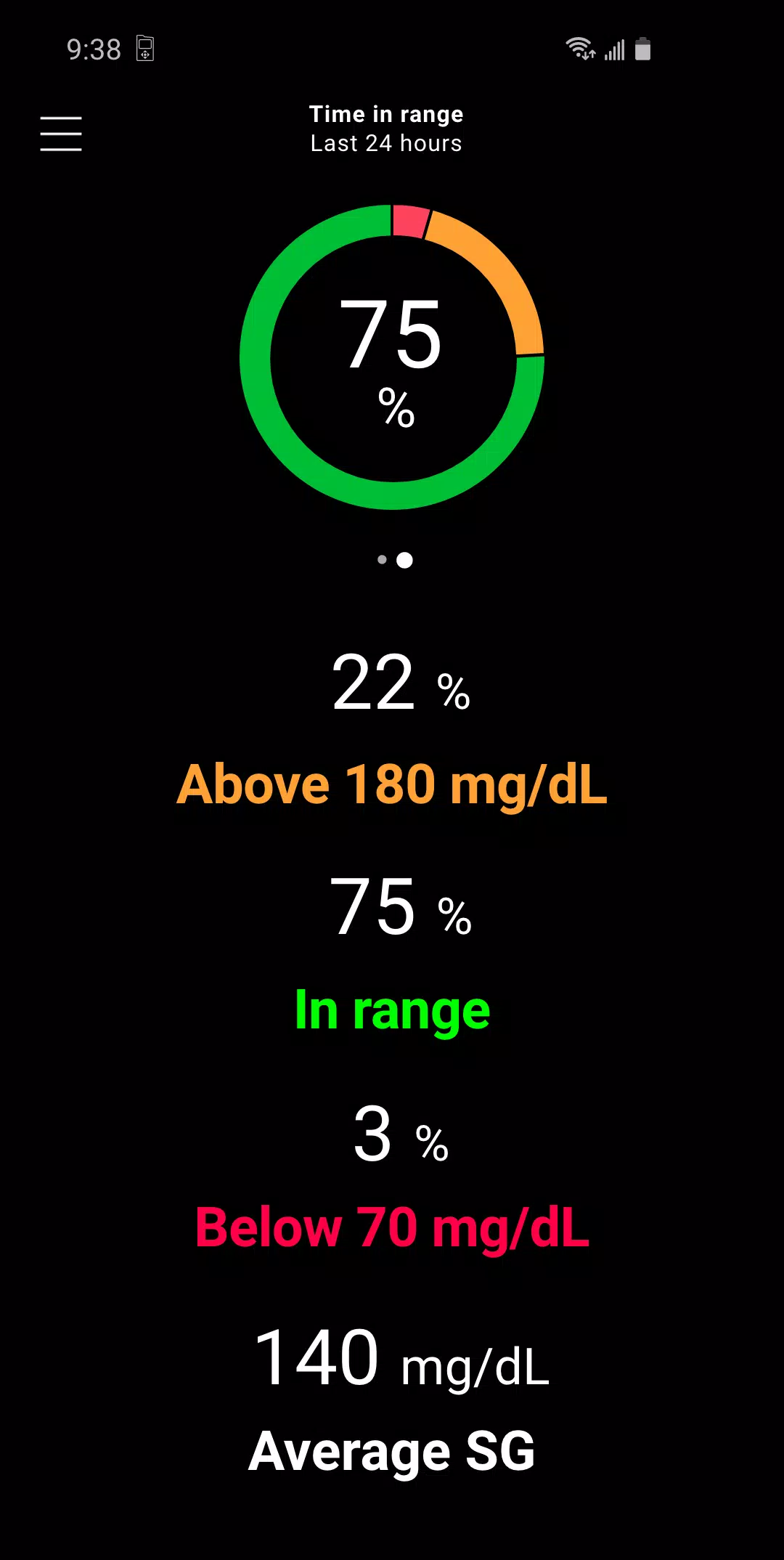
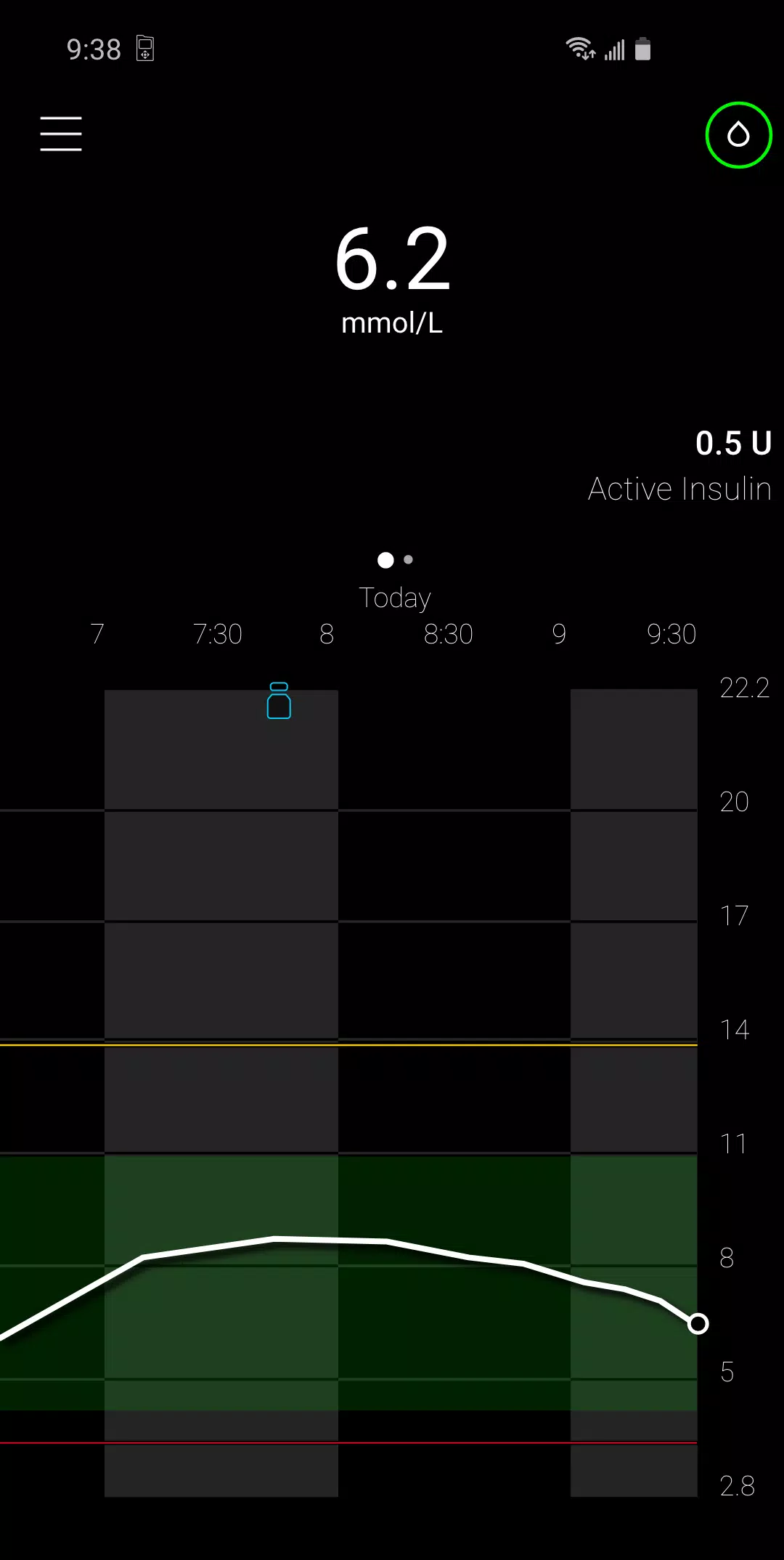
  • View Key Data on Your Phone: See real-time and historical insulin pump and continuous glucose monitoring (CGM) data — all in the same format as your MiniMed™ pump.
  • Secondary Display: Use your smartphone as a convenient, discreet secondary screen to check glucose trends, insulin delivery, and system alerts.
  • Automatic Data Sync: All your data is automatically uploaded to CareLink™ (Medtronic’s secure online platform), making it easier to share with your care team.
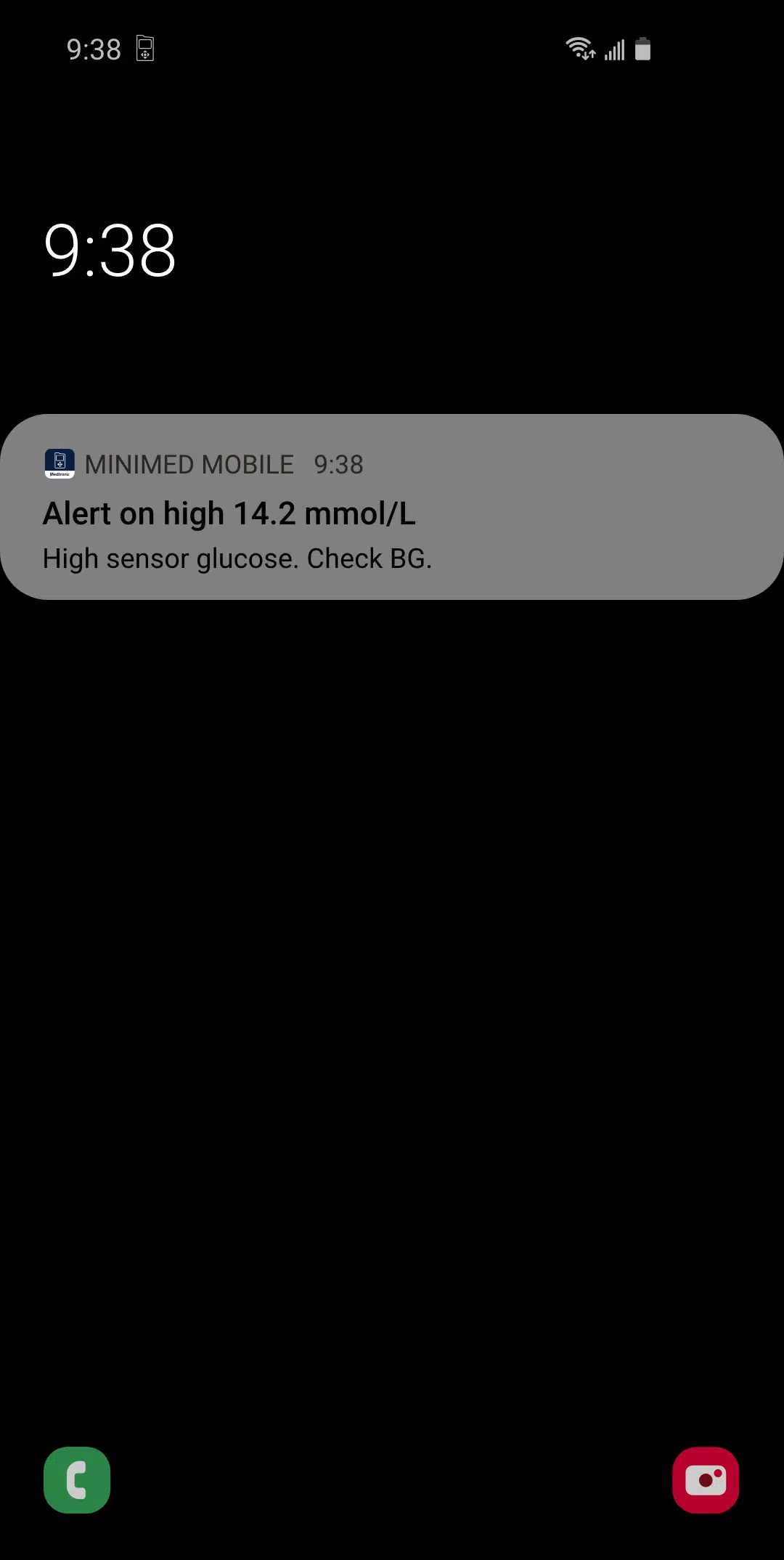
  • Smartphone Notifications: Receive insulin pump and CGM alerts (e.g., low glucose, high glucose, pump status) directly on your phone.

⚠️ Important Safety & Compatibility Information

  • Only for MiniMed™ 700-series insulin pumps.
    The app is not compatible with older MiniMed™ or Paradigm™ insulin pumps.

  • 🔐 Not a Replacement for Your Pump:
    This app is not intended to replace your primary insulin pump display. Always make therapy decisions based on your pump’s real-time screen.

  • 📡 No Direct Sensor Control:
    The app does not receive data directly from the CGM sensor or transmitter. It only displays information sent from your connected MiniMed™ 700-series pump.

  • 🔄 No Data Editing or Therapy Control:
    The app does not allow you to change insulin settings, adjust basal rates, or deliver insulin. All therapy decisions must be made via your insulin pump.


📞 Need Help?

  • Do not contact the app store for technical support or customer service.
  • For assistance with setup, troubleshooting, or product concerns, contact your local Medtronic support team to protect your privacy and get timely help.

🩺 Medical Disclaimer

  • The MiniMed™ Mobile app is not a substitute for professional medical advice, diagnosis, or treatment.
  • Always consult your healthcare provider with questions about your diabetes management.

🛠️ About Medtronic

© 2021 Medtronic. All rights reserved.
Medtronic, the Medtronic logo, and “Further, Together” are trademarks of Medtronic.
Third-party brands are the property of their respective owners.


💡 Tip: Keep your app updated to benefit from the latest performance improvements and security enhancements. Update now to enjoy better connectivity and peace of mind.


Let me know if you’d like a printable PDF version, a simplified handout, or a video script to accompany this!

医学

MiniMed™ Mobile のようなアプリ
現在コメントはありません