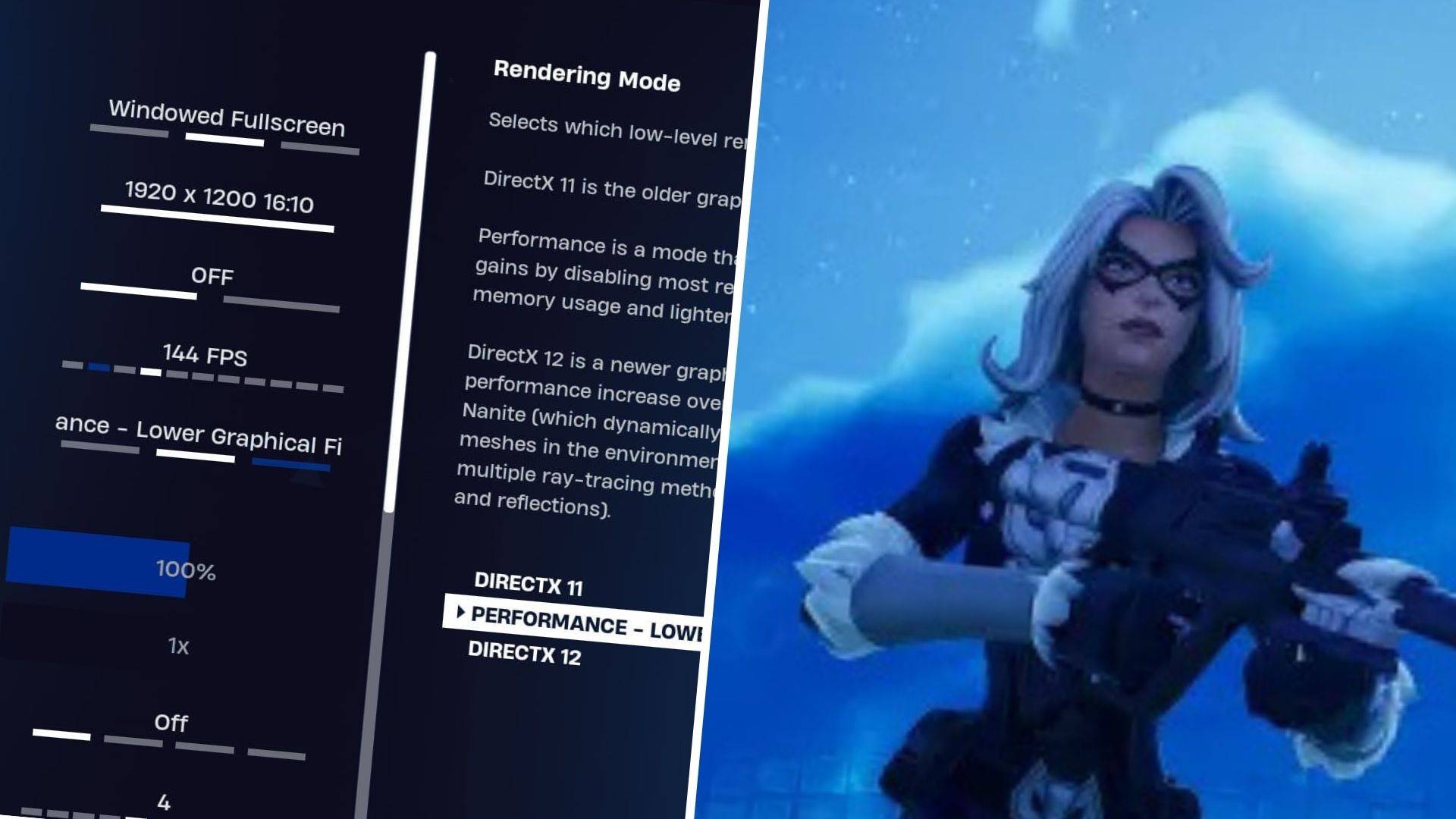

Unlocking Peak Performance in Fortnite
While Fortnite delivers thrilling battle royale action, performance issues like choppy framerates can ruin the experience. The good news? With the right settings adjustments, you can transform your gameplay. Let's dive into the optimal configuration for buttery-smooth performance on PC.
Essential Display Tweaks
| Display Mode | Fullscreen for raw performance or Windowed Fullscreen for multitaskers |
| Resolution | Match your monitor's native resolution (typically 1920×1080) |
| V-Sync | Disabled to eliminate input delay |
| FPS Cap | Sync with your monitor's refresh rate (144Hz, 240Hz, etc.) |
| Rendering | Performance mode for competitive edge despite visual compromise |
Choosing Your Rendering Engine
Fortnite offers three rendering options: Performance mode maximizes FPS for competitive play, DirectX 11 provides stability with decent visuals, while DirectX 12 unlocks enhanced graphics on newer hardware. Tournament players universally favor Performance mode for its responsiveness.
Graphics Optimization Guide
These visual settings strike the perfect balance between visibility and performance:
| Quality Profile | Low for maximum frames |
| Advanced Graphics | Disable shadows, reflections and ray tracing |
| View Distance | Epic for strategic awareness |
| Nvidia Features | Enable Low Latency mode for competitive advantage |
Advanced Gameplay Settings
While these don't affect FPS, smart configuration enhances your gameplay:
- Enable Auto Open Doors for smooth movement
- Toggle Hold to Swap for quick weapon pickups
- Customize building settings to match your playstyle
Audio Settings That Matter
Critical sound options include:
- 3D Headphone mode for positional awareness
- Visual Sound Effects for accessibility
Input Configuration
Dial in your perfect sensitivity and controls:
- Adjust aiming sensitivities between 45-60%
- Customize movement angles for precise strafing
- Rebind keys to suit your playstyle
With these optimizations, you're ready to enjoy Fortnite at its smoothest. Remember to periodically revisit these settings as new updates and hardware become available.

 LATEST ARTICLES