Star Trek Fleet Command: A Captain's Guide to Free Rewards with Redemption Codes
Star Trek Fleet Command, the engaging strategy game based on the iconic Star Trek universe, demands significant resources to build your empire, construct vessels, and engage in interstellar conflict. Fortunately, developers offer redemption codes to supplement your in-game resources. This guide details how to acquire and redeem these valuable codes.
Updated January 8, 2025, by Artur Novichenko: This guide has been updated with the latest active codes.
Active Star Trek Fleet Command Codes
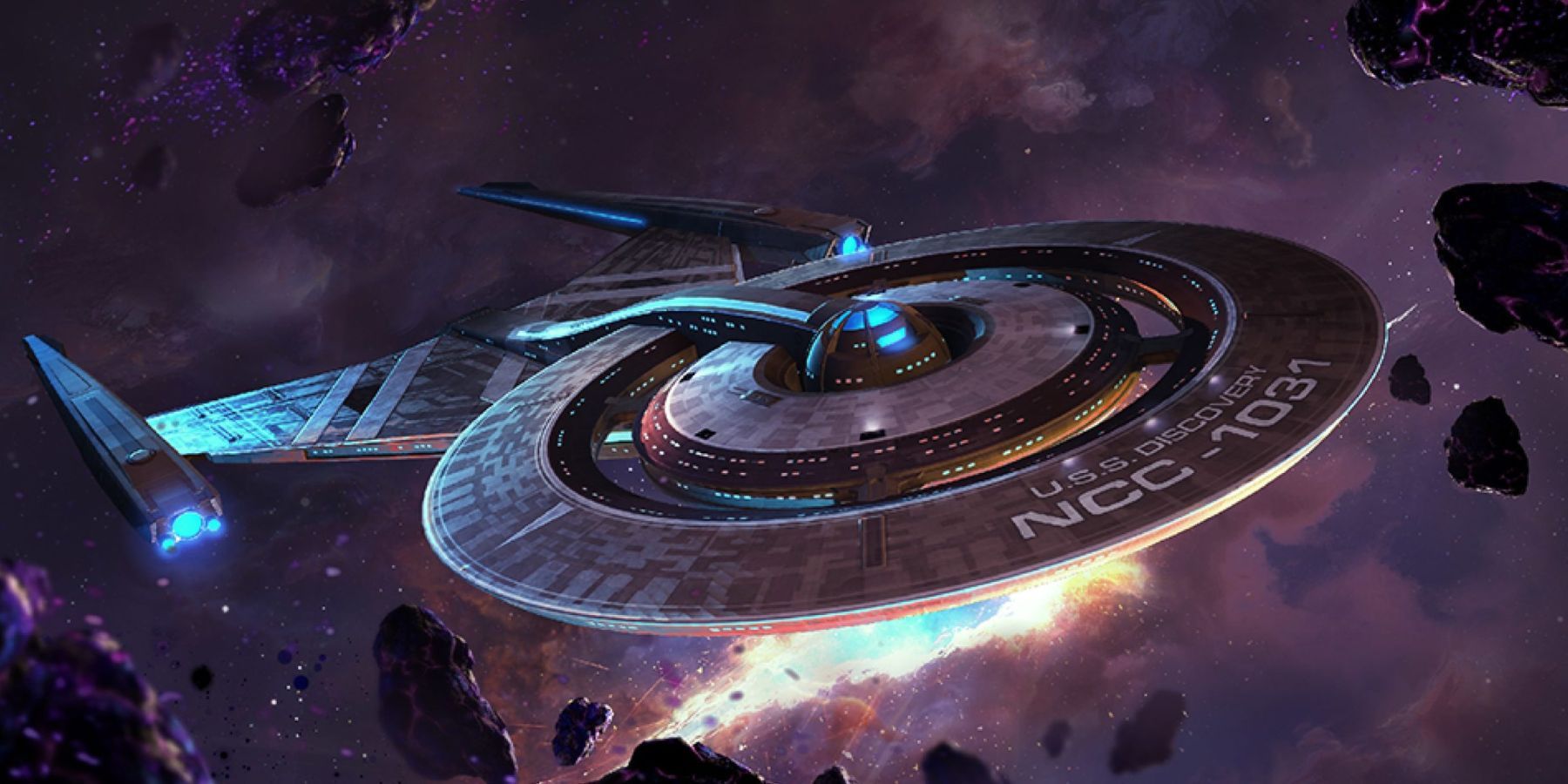
Building a thriving Starfleet empire requires substantial resources, some of which are rare and time-consuming to acquire. Redeeming codes provides a shortcut to valuable resources.
- THEMIRROR: Redeem for 5 Mirror Picard shards.
- EVISCERATOR: Redeem for exclusive rewards (Requires Ops Level 10+).
- ENT3: Redeem for Artifact Shards (Requires Ops Level 38+).
- NX-01: Redeem for exclusive rewards (Requires Ops Level 40+).
- KIRK: Redeem for Ultra Recruit Tokens x4000 and James T. Kirk shards x100.
Expired Codes
- MMAonpoint
- Fw7hi45A
- tD3vFAuS
Redeeming Your Star Trek Fleet Command Codes
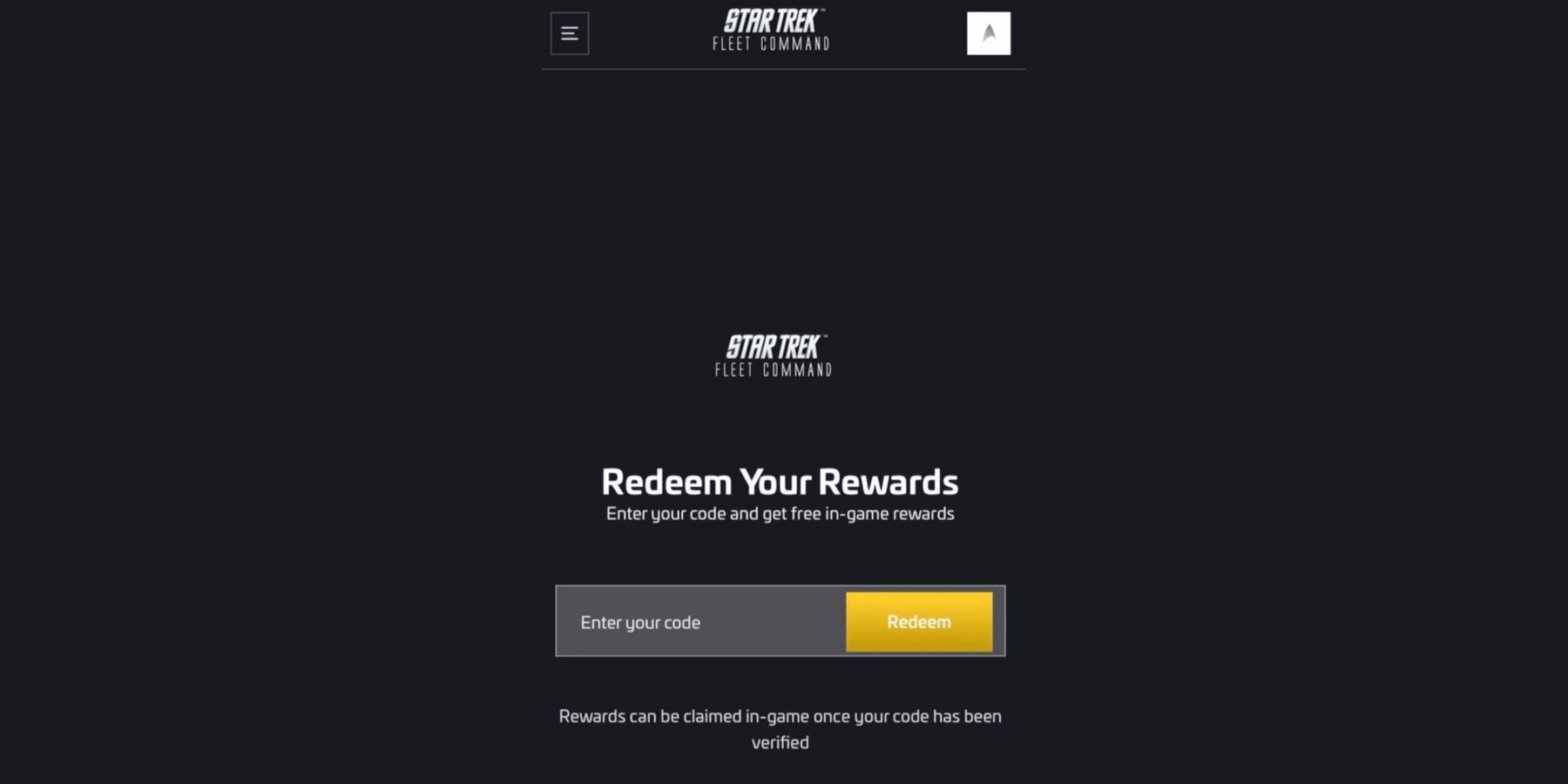
Code redemption isn't directly within the game; it requires a Scopely account linked to your game profile. Follow these steps:
- Launch the game.
- Locate the "Claim" button: This is usually in the upper right corner of the screen.
- Access the Gifts menu: Clicking "Claim" opens the Gifts menu.
- Find the "Redeem" option: Look for the "Redeem" option, often indicated by a container image.
- Navigate to the website: This will redirect you to the Scopely website's code redemption page.
- Log in to your Scopely account.
- Enter the code: Paste or type an active code into the provided field.
- Click "Redeem": Submit your code. A success message will confirm your reward.
- Collect your rewards: Relaunch the game; your rewards will be displayed after a brief download.
Important Note: Some codes require reaching specific Ops levels before rewards are granted. The level requirements are noted above for affected codes. If you encounter an error, ensure you've met the necessary level requirements and that the code is still active.
Star Trek Fleet Command is available on PC, Android, and iOS.

 LATEST ARTICLES