Application Description
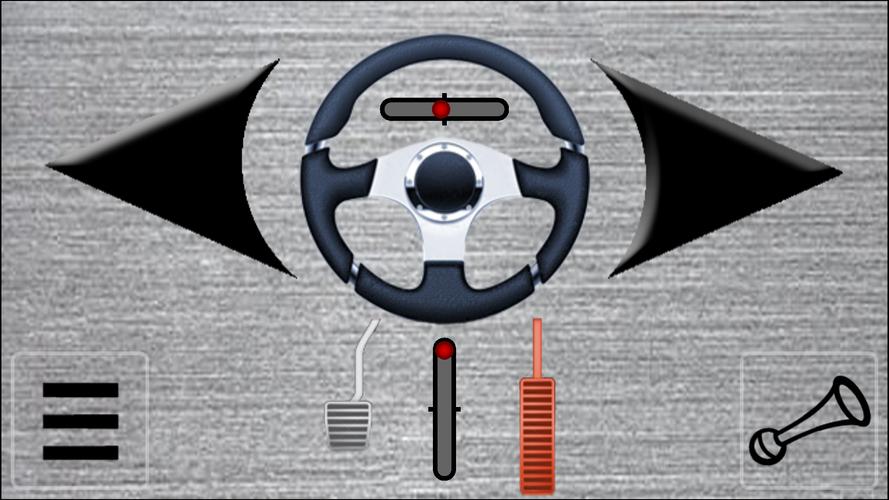
Transform your device into a joystick, steering wheel, gamepad, mouse, or keyboard for your PC.
Use your Android device as a joystick, steering wheel, gamepad, mouse, or keyboard for over 99% of PC games.
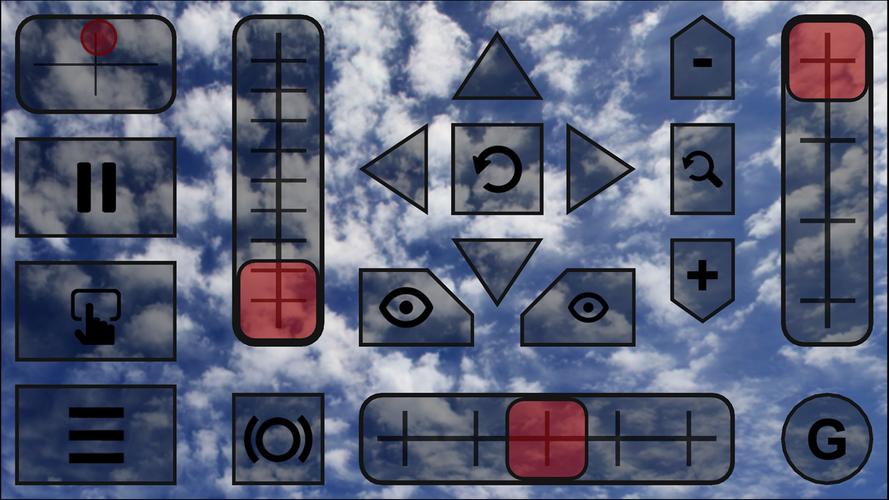
We've designed custom skins for popular titles, including:
Red Bull Air Race
Minecraft
Counter-Strike
World of Tanks
Microsoft Flight Simulator
and many others...
- It emulates a real joystick that your PC recognizes as a standard plug-and-play device.
- The app also emulates a PC keyboard and mouse.
- All skins are fully customizable.
- You can create and use your own skins (using XML, PNG, and MP3 files) for any PC game.
Quick Start Guide:
- Install the PocketGamepad server on your PC. You can download it here:
http://www.pgpad.com/downloads/server/PocketGamepadSetup.exe
- Install the PocketGamepad app on your smartphone.
- Launch the PocketGamepad server on your PC.
- Launch the PocketGamepad app on your smartphone.
- Tap Menu > Connect, then press the Search button. Once it finds the server, press the connect button.
Selecting a Skin
- Go to Menu > Skins (Games)
- Choose a skin and press the Play button.
Customizing a Skin
- Select a skin.
- Tap Menu > Edit Skin.
- Press the button you wish to customize.
- Tap Menu > Save As.
- Tap Menu > Finish Editing.
Important: To control a PC game, the game window must be active and in focus on your PC, not running in the background.
Skin XML Schema Documentation:
http://www.pgpad.com/downloads/doc/xml_schema.pdf
What's New in Version 3.7
Last updated on Jan 9, 2020
Added Minecraft skin
Added Counter-Strike skin
Added World of Tanks skin
Updated all existing skins
Improved connection stability
Menu button now shows WiFi signal strength
Enabled multiplayer functionality
Redesigned menu interface
Casual


 Download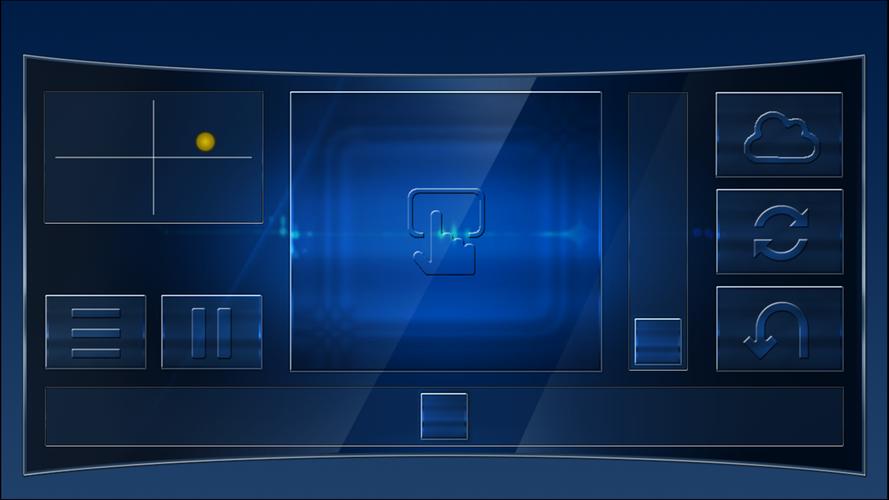

 Games like Pocket Gamepad