So, you just ran through a whole mission in *Ready or Not*, cleared all the enemies, rescued the hostages, and did everything right. But then – boom – "Mission Not Complete." Annoying, right? Well, you're not alone. Here's how to fix "Mission Not Complete" in *Ready or Not*.
1. Double-Check Your Objectives
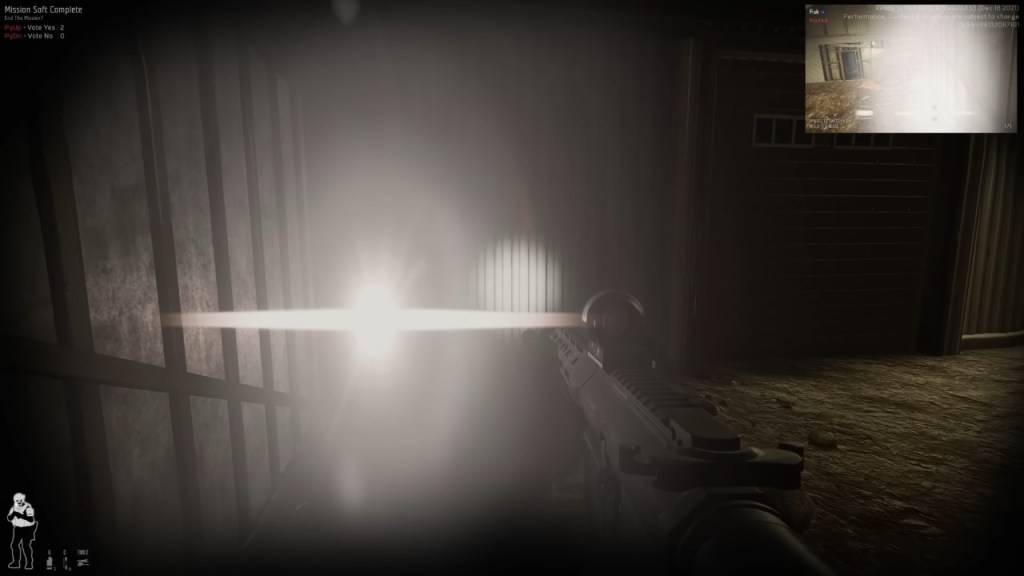 The first thing to do is check your objectives. Even if you think you completed everything, sometimes the game disagrees. If you don't complete all of your objectives, you can still vote to end the mission.
How to Check:
Press the Tab button to open the mission menu and look at the objective list. If anything is red or incomplete, that's the problem. Some common ones that players forget include:
- Reporting downed suspects or civilians – If you incapacitate or kill a suspect, you need to report it by interacting with them (F by default). Same with civilians.
- Securing evidence (weapons, bombs, etc.) – Dropped weapons must be secured. If a suspect drops a gun, make sure you grab it.
- Completing optional objectives – Some missions have extra tasks, like disabling security systems. If you don't do them, the mission may not count as complete.
- Ensuring all hostages are safe – If a civilian is still tied up somewhere, you need to make sure they're rescued properly.
Fix: Go back through the map and check if you left anything behind.
Related: All Soft Objectives in Ready or Not, Listed
2. The Vote-to-End Issue (Multiplayer)
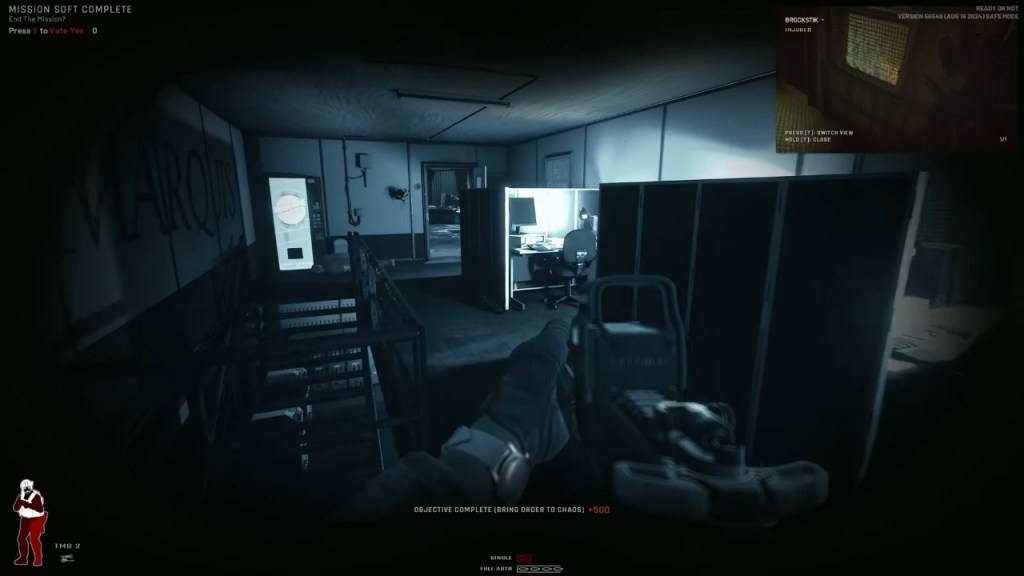 This one gets people a lot. If you're playing co-op, everyone has to vote to end the mission. If even one player overlooks the vote prompt, the "Mission Not Complete" error will appear in *Ready or Not*.
How to Fix:
- Make sure all players press Y (default key) when the vote prompt appears.
- If someone isn't voting, remind them in voice chat or text chat.
- If a player is AFK, you might have to wait it out or kick them from the session.
- Make sure to check out our article on how to fix 'Can't Connect to Host' in *Ready or Not*.
- Restart the mission if the vote screen isn't showing up for some players.
3. Objective Bugs
Sometimes, you did complete everything, but the game still refuses to acknowledge it.
Common Bugs:
- The game doesn't register secured weapons.
- A hostage doesn't count as rescued even though they are.
- An objective stays incomplete even when you meet the conditions.
How to Fix:
- Restart the mission and try again.
- If in multiplayer, switch the host (sometimes, the game registers objectives differently for different players).
- Verify your game files: Go to Steam > Right-click *Ready or Not* > Properties > Local Files > Verify Integrity of Game Files. This can fix missing or corrupted files that might cause issues.
The Classic 'Restart and Hope' Method
If none of the above fixes work, sometimes the only solution is restarting the mission.
Yeah, it's not ideal but *Ready or Not* is still in development, and mission completion bugs aren't uncommon. If a mission refuses to complete no matter what, restarting is often the fastest solution.
And that's how to fix "Mission Not Complete" in *Ready or Not*.
Ready or Not is available now on PC.

 LATEST ARTICLES