Conquer Squad Busters: A Guide to Creator Codes and Winning Strategies
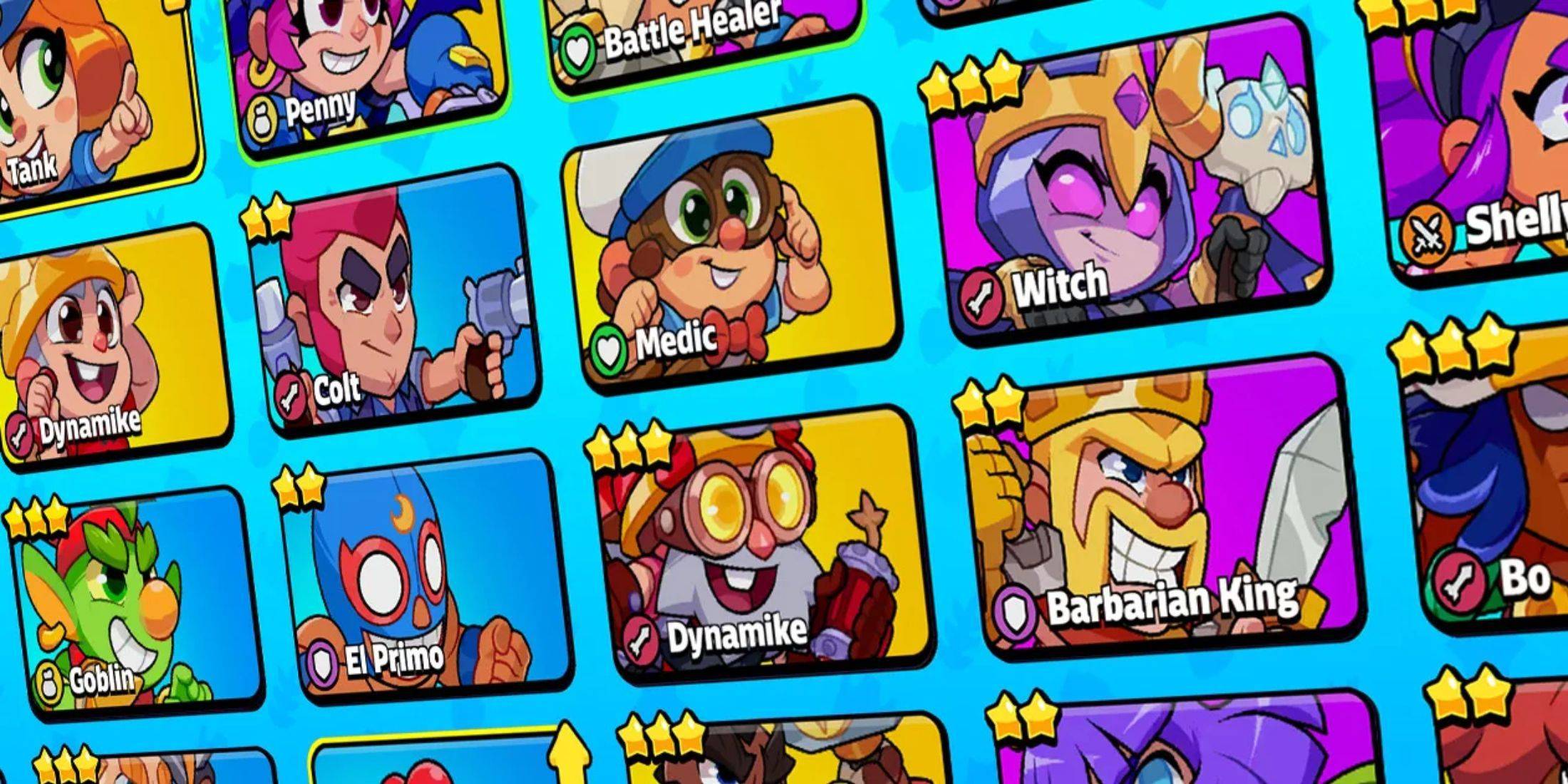
Squad Busters, Supercell's newest mobile game hit, blends characters from four popular Supercell titles into a thrilling, unique experience. New players eager to climb the ranks often seek efficient strategies. One excellent approach is learning from experienced players via tutorials and tips provided by content creators. Show your appreciation by using their Squad Busters Creator Codes. While not all YouTubers and streamers participate in the Content Creator Boost program, many do, and using their codes is a fantastic way to support their work.
This guide, updated January 10, 2025, by Artur Novichenko, provides the latest Squad Busters creator codes. Share this guide with your friends to help them support their favorite creators!
All Squad Busters Creator Codes
- Rick - Support Rick
- PAN - Support PAN
- MOLT - Support MOLT
- clashjo - Support Kenny Jo
- Havoc - Support HaVoc Gaming
- OJ - Support Orange Juice Gaming
- BT1 - Support BenTimm1
- SKAREX - Support Skarex
- Spen - Support SpenLC
- AshBS - Support Ash Mobile Gaming
- artube - Support Artube
- aurum - Support AuRuM TV
- heybrother - Support this Creator
- klaus - Support Klaus
- Bash - Support Clash Bashing
- spanser - Support Spanser
- WithZack - Support WithZack
Creator codes are unique identifiers linked to content creators within the Content Creator Boost program. Redeeming a code and making in-game purchases directs a percentage of your spending to that creator. While the list is currently small, expect it to grow as the game's popularity increases.
How to Redeem Creator Codes in Squad Busters
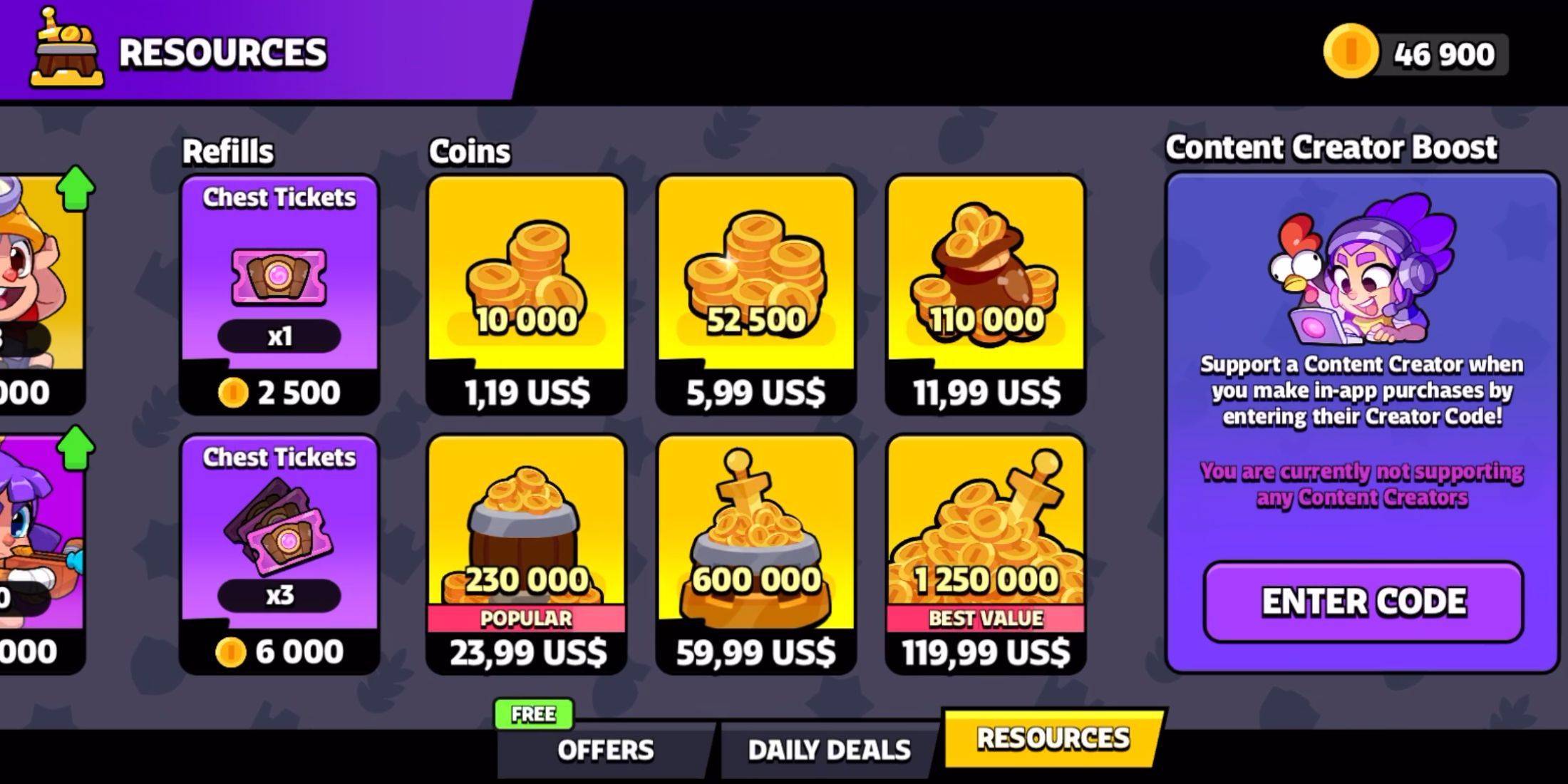
Redeeming codes is simple, mirroring the process in other Supercell games. Follow these steps:
- Navigate to the game's main menu.
- On the left, locate the column of buttons and select the "Shop" button (usually the last one).
- Scroll to the bottom of the Shop to find the "Content Creator Boost" section. Click "Enter Code."
- In the input field, enter or paste the desired creator code.
- Click the pink "Enter" button to confirm.
Upon successful redemption, the supported creator will appear in the Content Creator Boost section. You can easily switch support to another creator at any time.
Finding More Squad Busters Creator Codes
To discover more codes, follow your favorite gaming personalities on platforms like YouTube and Twitch. They frequently share their codes within video descriptions, livestreams, and other content.

 LATEST ARTICLES