Capture the Beauty of Kingdom Come: Deliverance 2 with Photo Mode
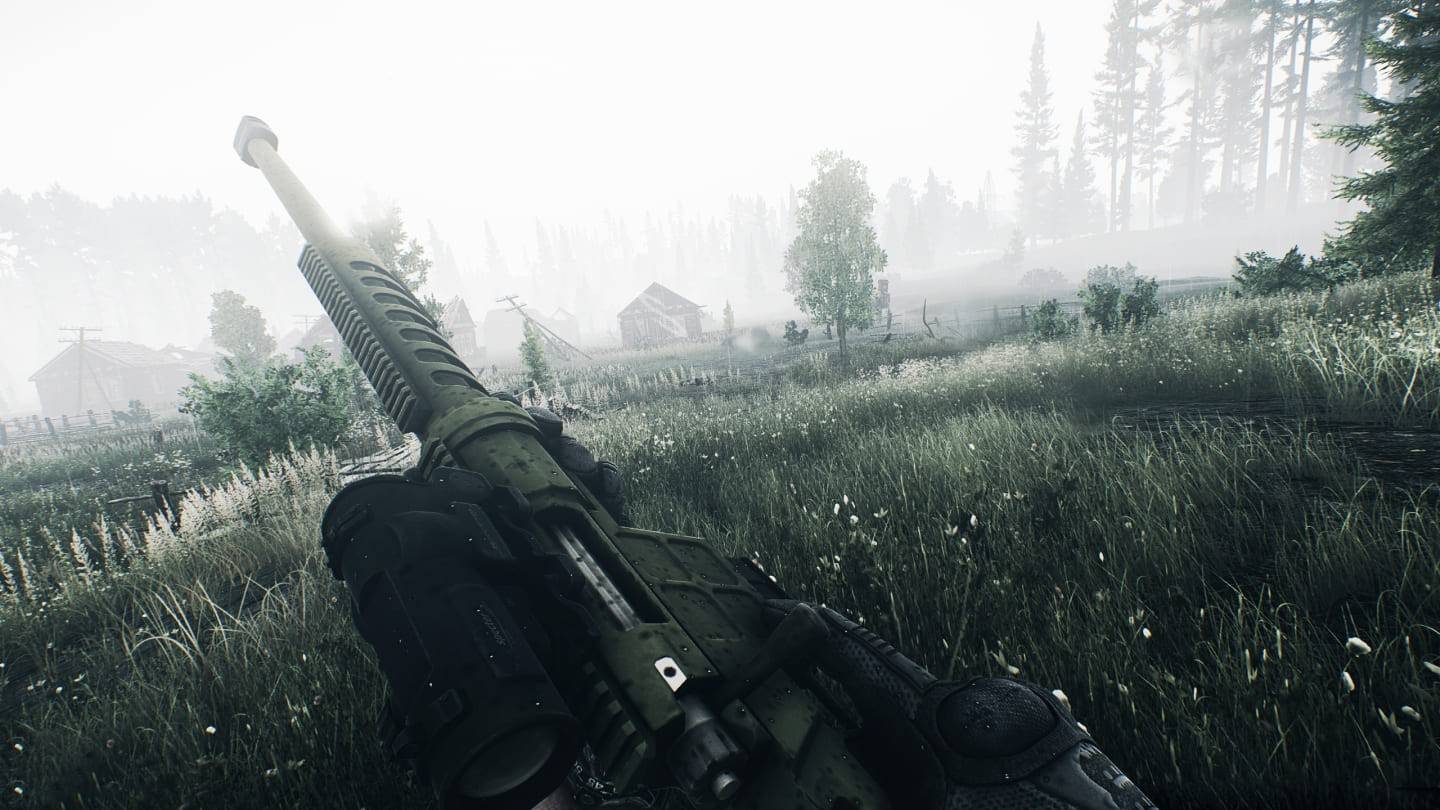
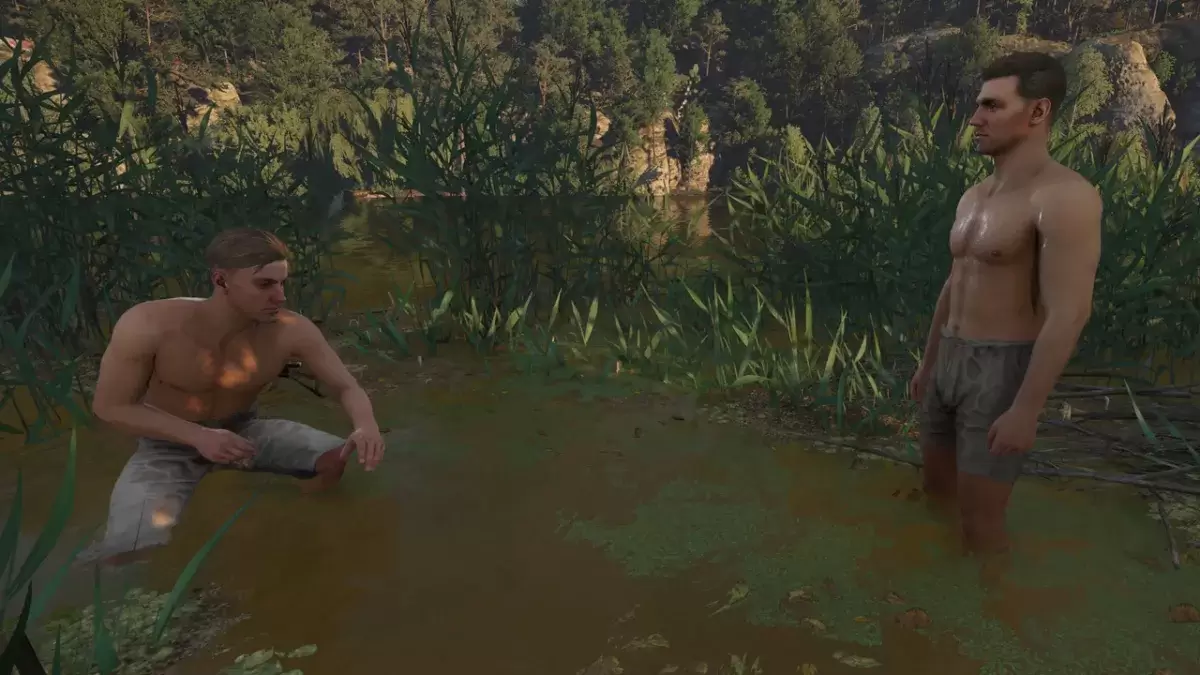
Kingdom Come: Deliverance 2 boasts stunning visuals, especially in fidelity mode. Want to preserve that beauty beyond gameplay? The game features a built-in photo mode, making it easy to capture breathtaking screenshots.
Activating Photo Mode
Unlike some games that lack photo mode at launch, or never receive one, Kingdom Come: Deliverance 2 includes this feature. Activation is simple:
- PC: Press F1 (keyboard) or simultaneously press L3 and R3 (joypad).
- Xbox Series X|S / PlayStation 5: Simultaneously press L3 and R3 (joypad). (L3 and R3 refer to pressing both thumbsticks.)
Entering photo mode pauses the game, allowing you to compose your shot.
Using Photo Mode
Once in photo mode, you gain control over the camera's position and angle. Zoom in, zoom out, fly high above the landscape, or get a ground-level perspective – the choice is yours!
Here's a breakdown of the controls:
Xbox Series X|S:
- Rotate camera: Left Stick
- Move camera horizontally: Right Stick
- Move camera up: Left Trigger/LT
- Move camera down: Right Trigger/RT
- Hide Interface: X
- Exit photo mode: B
- Take picture: Press Xbox button, then Y
PlayStation 5:
- Rotate camera: Left Stick
- Move camera horizontally: Right Stick
- Move camera up: Left Trigger/LT
- Move camera down: Right Trigger/RT
- Hide interface: Square
- Exit photo mode: Circle
- Take picture: Press the Share button and select "Take Screenshot" (or hold down Share).
PC (keyboard and mouse):
- Move camera: Mouse
- Slow move: Caps Lock
- Hide interface: X
- Exit photo mode: Esc
- Take picture: E
PC screenshots are saved to your Pictures folder, while console screenshots are saved to your console's capture gallery.
Photo Mode Limitations
While the photo mode is a welcome addition, its current functionality is somewhat limited. You can freely position the camera around the character Henry, but options for character posing, color adjustments, time-of-day changes, or incorporating other game elements are currently absent. Hopefully, future updates will expand these capabilities.

 LATEST ARTICLES